
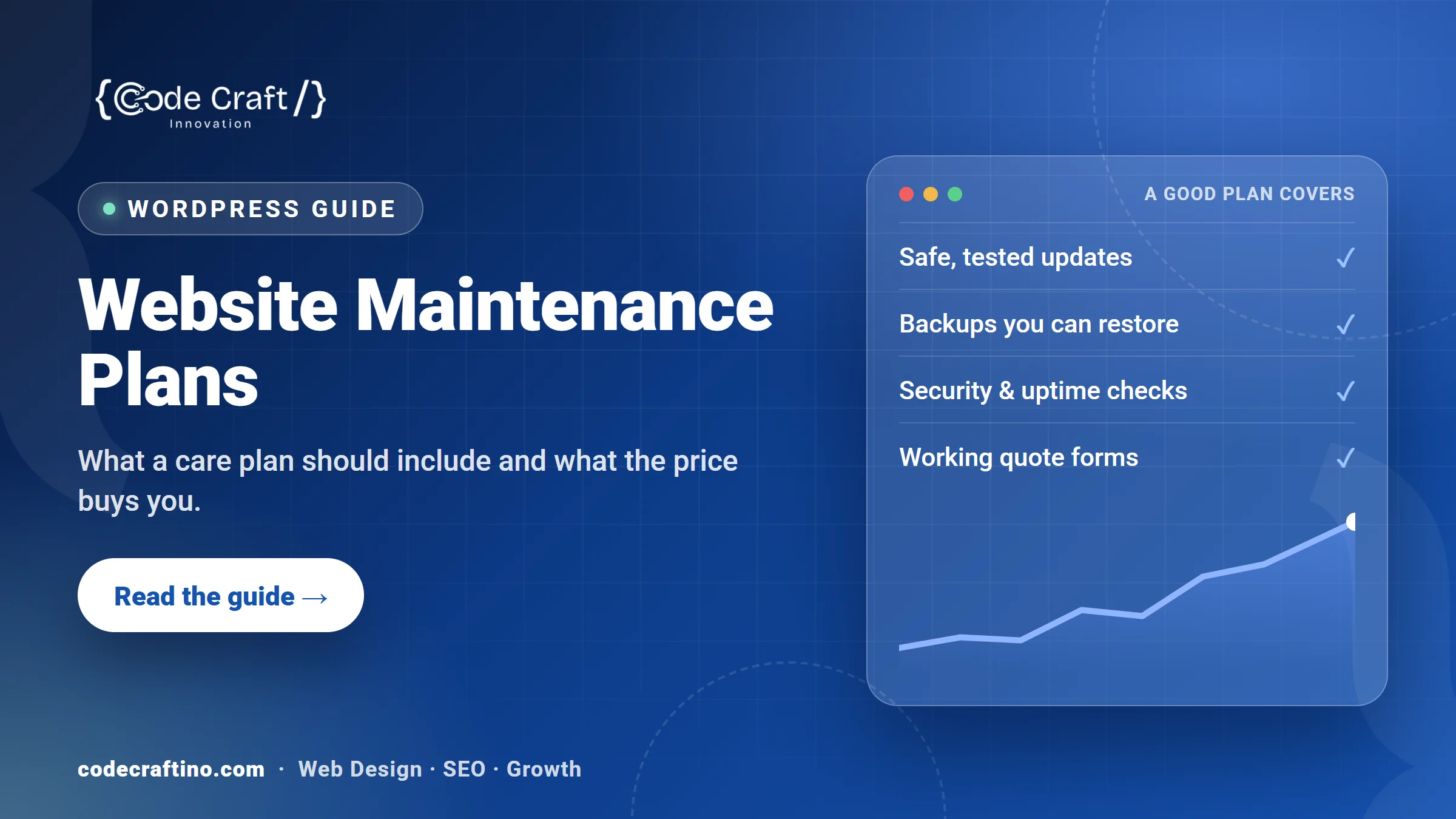
A website maintenance plan is a monthly service that keeps your site updated, backed up, secure and working, so it keeps bringing in enquiries instead of quietly breaking. Published WordPress maintenance plans from two well-known US providers range from $0 to $359 a month, depending mostly on how much human work is included: basic plans cover updates, backups and monitoring, while higher plans add security cleanup, speed work and content edits. This guide explains what a maintenance plan should include, what the price differences buy you, and how to choose one for a New Jersey small business.
What is a website maintenance plan?
A maintenance plan (often called a care plan) is ongoing technical care for a website after it launches. On WordPress, that means updating the core software, theme and plugins safely, taking backups you can restore, watching for security problems and downtime, and fixing things when an update or a hosting change breaks something.
It isn’t the same as hosting. Your host keeps the server running; a maintenance plan looks after the website on that server. Some hosts include basic updates and backups, but they rarely test your pages after an update or fix a broken form.
If you’d like the detail of each task and which ones you can skip, read our guide to what actually matters in WordPress maintenance. This article focuses on plans and prices.
Why does a small business website need ongoing maintenance?
Because almost all WordPress security problems come from add-ons that need regular updates. Patchstack recorded 11,334 new vulnerabilities in the WordPress ecosystem in 2025; 91% were in plugins, 9% in themes, and only 6 were reported in WordPress core. 46% of those vulnerabilities didn’t get a fix from the developer in time for public disclosure (Patchstack, State of WordPress Security in 2026). Someone has to watch for those fixes, apply them and check nothing broke.
Many sites fall behind. On October 25, 2026, about 36% of WordPress sites weren’t running the current major version, 7.1 (WordPress.org version statistics). The server software matters too: about 34% of WordPress sites run PHP 8.1 or older (WordPress.org PHP statistics), and every one of those PHP versions stopped receiving security fixes by December 31, 2025 (PHP.net, unsupported branches).
For a business that gets leads from its website, the bigger risk is quieter: an update that breaks the quote form, so enquiries stop arriving and nobody notices for weeks.
What should a website maintenance plan include?
A good plan covers six things. Ask for each one in writing.
- Safe updates: WordPress core, theme and plugins updated on a schedule, ideally tested on a staging copy first, with a visual check of key pages afterwards.
- Backups you can restore: automatic daily (or more frequent) backups stored off the server, kept for at least 30 days, and a tested restore process.
- Security monitoring and cleanup: malware scanning, a firewall or login protection, and clear terms on who fixes a hacked site and whether it costs extra.
- Uptime monitoring: alerts when the site goes down, plus SSL certificate and domain renewal checks.
- Lead path checks: a regular test that contact and quote forms still submit and that the emails actually arrive. This one is often missing, and it matters most.
- A monthly report: what was updated, any issues found, uptime, and anything that needs a decision from you.
Optional extras that justify a higher price: a set amount of content edits each month, speed optimization, ecommerce plugin management, SEO monitoring and priority support.
How much does a website maintenance plan cost?
Price follows the amount of human time included. Here are the published monthly prices of two US WordPress care companies, checked on October 25, 2026:
| Provider and plan | Price per month | What the price adds |
|---|---|---|
| GoWP Free | $0 | Uptime, SSL and version monitoring, one manual update a month with visual checks, 5 AI edits |
| GoWP Pro | $39 per site | Automatic updates with visual checks, daily backups with 90 days of history, daily security scans and malware cleanup |
| GoWP Business | $99 per site | Adds 5 human edits a month (small tasks of about 30 minutes each) |
| WP Buffs Maintain | $89 | Weekly updates, cloud backups 4 times a day, 24/7 uptime monitoring |
| WP Buffs Protect | $179 | Adds security optimization and unlimited website edits |
| WP Buffs Perform | $239 | Adds malware removal, speed optimization and ecommerce plugin management |
| WP Buffs Custom | $359 | Adds updates tested on staging and managed hosting |
Sources: GoWP pricing and WP Buffs pricing. Prices change, so check the current page before you compare.
Two things explain most of the gap. First, edits: a plan with human content edits costs far more than one with updates only. Second, who fixes problems: if malware removal or a broken page isn’t included, a single incident can cost more than a year of the cheaper plan. For the bigger picture of build and running costs, see how much a website costs in New Jersey.
What’s the difference between a cheap plan and a full care plan?
A low-cost plan is mostly automation: updates run on a schedule, backups are taken and monitoring sends alerts. That suits a simple brochure site with few plugins and no online store.
A full care plan adds people: someone reviews updates before they go live, checks your forms and checkout, fixes what breaks, makes small changes you ask for, and tells you in plain words what happened that month. That suits sites that generate enquiries or sales every week, run WooCommerce or bookings, or use many plugins.
Whichever you choose, the plan should name a response time, say what’s included and what’s billed extra, and confirm that the website, hosting and domain stay in your business’s name.
Can I maintain my WordPress website myself?
Yes, if the site is simple and someone on your team has a regular hour or two each month. You’ll need to run updates one at a time, check the main pages and forms afterwards, confirm backups exist and can be restored, and keep plugins to the ones you really use.
It usually stops making sense when the site brings in most of your leads, when an update has already broken something, or when nobody notices problems until a customer mentions them. At that point the cost of a plan is small next to a week of lost enquiries.
How do I choose a maintenance plan for my business?
- List what the site does for you: enquiries, bookings, online sales, or just information.
- Count your plugins and note anything custom, such as a booking system or a membership area.
- Ask each provider how updates are tested, how often backups run and where they’re stored.
- Ask who fixes a hacked or broken site, how fast, and whether it’s included.
- Ask whether they test your contact forms and email delivery each month.
- Ask for a sample monthly report.
- Check the contract: notice period, and that you keep full access and ownership.
If you’re choosing a partner for the build too, our guide on how to choose a WordPress development company in New Jersey has the wider checklist.
WordPress care plans for New Jersey businesses
Code Craft Innovations builds and looks after WordPress websites for businesses in Fairfield, Jersey City and across New Jersey. Our care plans cover updates, backups, uptime and malware monitoring every month, with a named engineer on call. Tell us about your website and you’ll get a fixed written quote within 24 hours.
Frequently asked questions
How much should I pay for website maintenance?
Published WordPress plans from GoWP and WP Buffs run from $0 to $359 a month. A simple site with few plugins can do well on an automated plan; a site that brings in leads or sales every week usually needs a plan with human checks and fixes included.
Is website maintenance included with hosting?
Usually only partly. Many hosts take backups and may update WordPress core, but they don’t test your pages, forms or plugins after updates, and they rarely fix a broken site for you.
How often should a WordPress website be updated?
Check for updates at least weekly and apply security fixes as soon as they’re released. Test key pages and forms after each round of updates.
What happens if I stop maintaining my website?
Plugins and PHP versions fall out of date, security fixes are missed, and the chance of a hack or a broken page goes up. Problems often show up as fewer enquiries before anyone spots the cause.
Do maintenance plans include content changes?
Some do. Check whether edits are included, how many, and how long each one can take. On the plans above, edits are what separates the cheaper tiers from the more expensive ones.






Share your thoughts