Certified Wix Partner · 250+ builds shipped

CODE CRAFT ERP · PRODUCT TOUR 2026

Run your whole business on one platform.

Code Craft ERP is ERP software that puts the whole business in one connected system, behind one secure login. Accounts, selling, buying, stock, manufacturing, projects and HR and payroll all work from the same records, instead of five tools that never talk to each other. And when you are ready, it connects to the AI agents and automations your business adds next.

How many tools does it take today to answer one simple question, like what you actually have in stock, and what it cost you?

See it on your own business first. In the demo we walk through the modules your business would actually use.

Code Craft ERP | Accounts
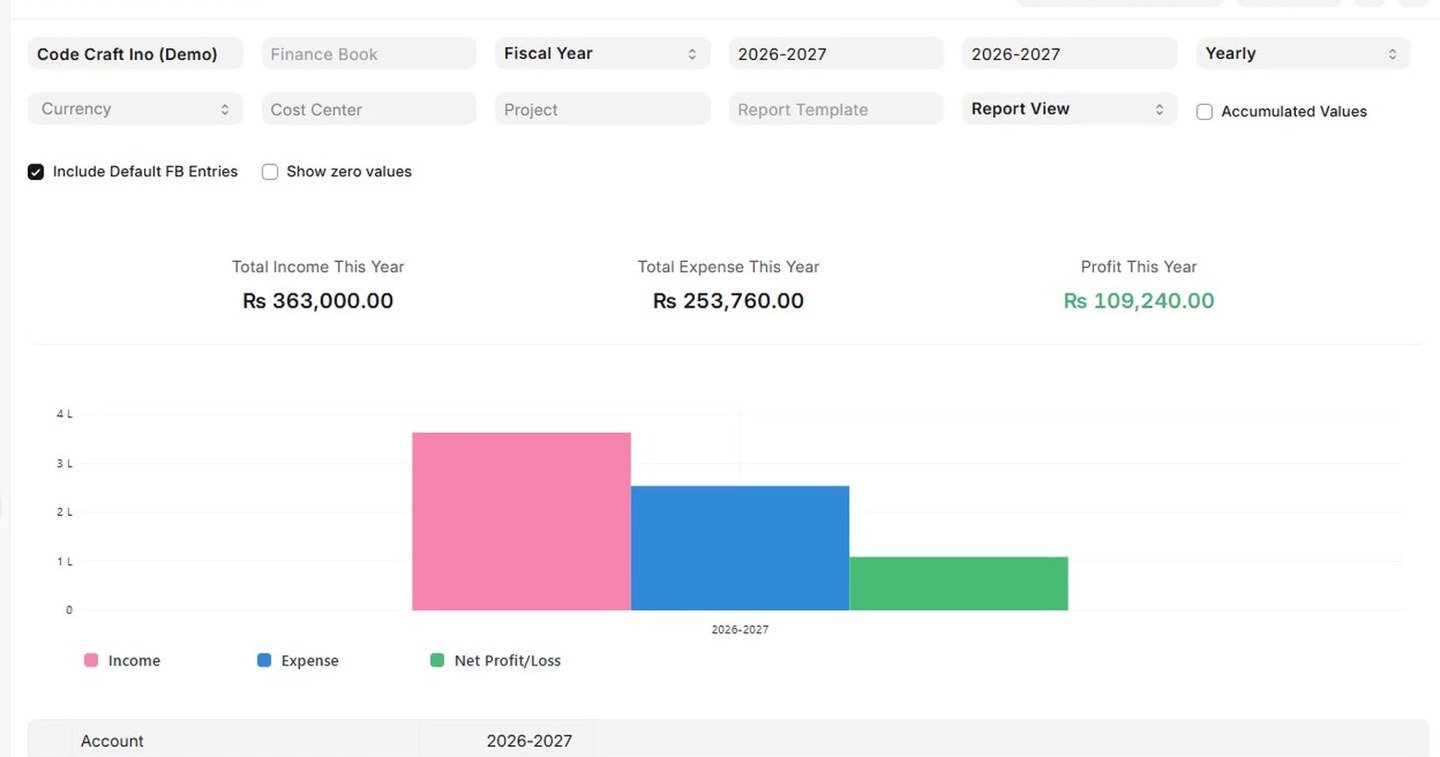
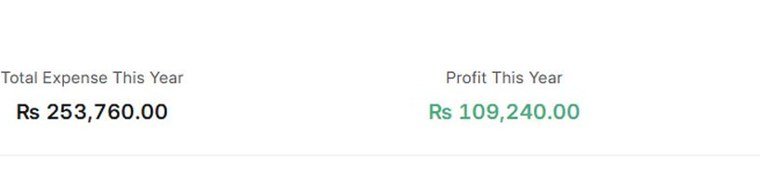
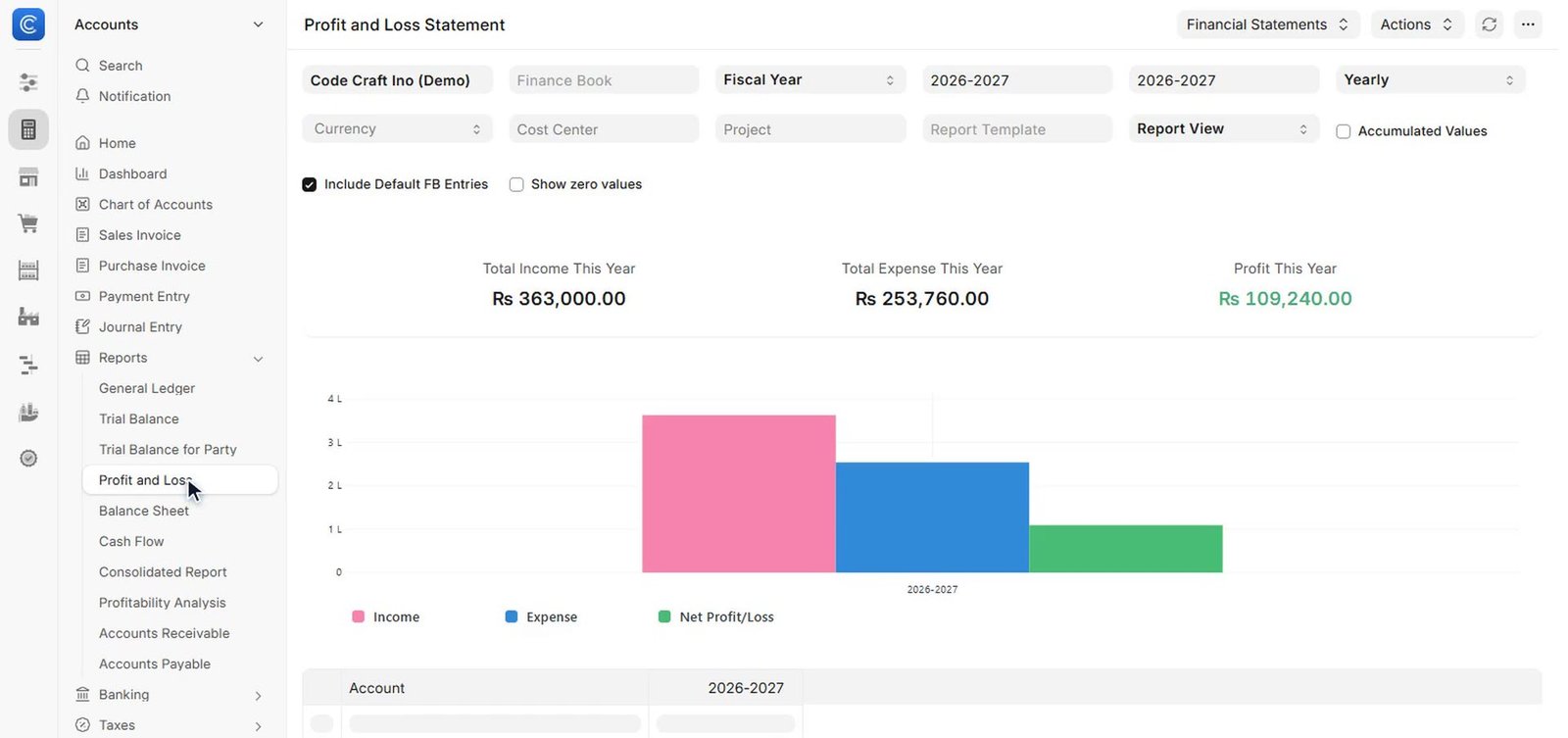
Code Craft ERP Accounts module: live profit and loss statement
Code Craft ERP Accounts: profit and loss totalsLive P&L

Watch the full product tour (7 minutes 43 seconds): every module, in the order your team would use them.

Jump to a chapter:

What the tour covers: Accounts · Selling and CRM · Buying · Stock and Inventory · Manufacturing · Projects · Assets and Quality · Support · HR and Payroll · Platform and Customisation

THE PROBLEM

Separate tools create separate versions of the truth.

When accounts live in one place, stock sits in a spreadsheet, orders hide in inboxes and payroll runs somewhere else, every report turns into a reconciliation job.

The same sale gets typed in twice. Stock on paper is not stock on the shelf. And the profit figure arrives weeks after the month it was supposed to guide.

It is the daily reality for trading, distribution and light-manufacturing businesses that have outgrown the tools they started with. Code Craft ERP was built to end that workaround: one login, one shared set of records, and every department working from them.

Today

stock in a spreadsheet orders hide in inboxes payroll runs somewhere else the same sale typed in twice stock on paper is not stock on the shelf

One login, one shared set of records, and every department working from them.

ONE LOGIN

One login. Every app. Ctrl+K to anything.

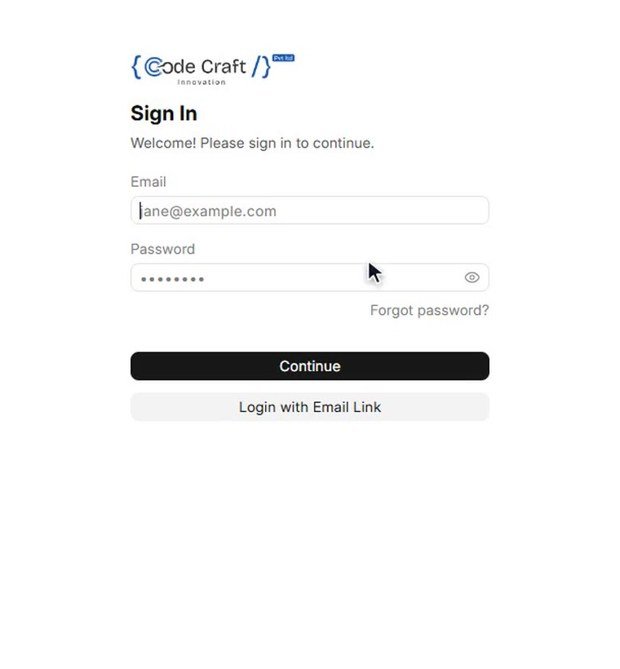
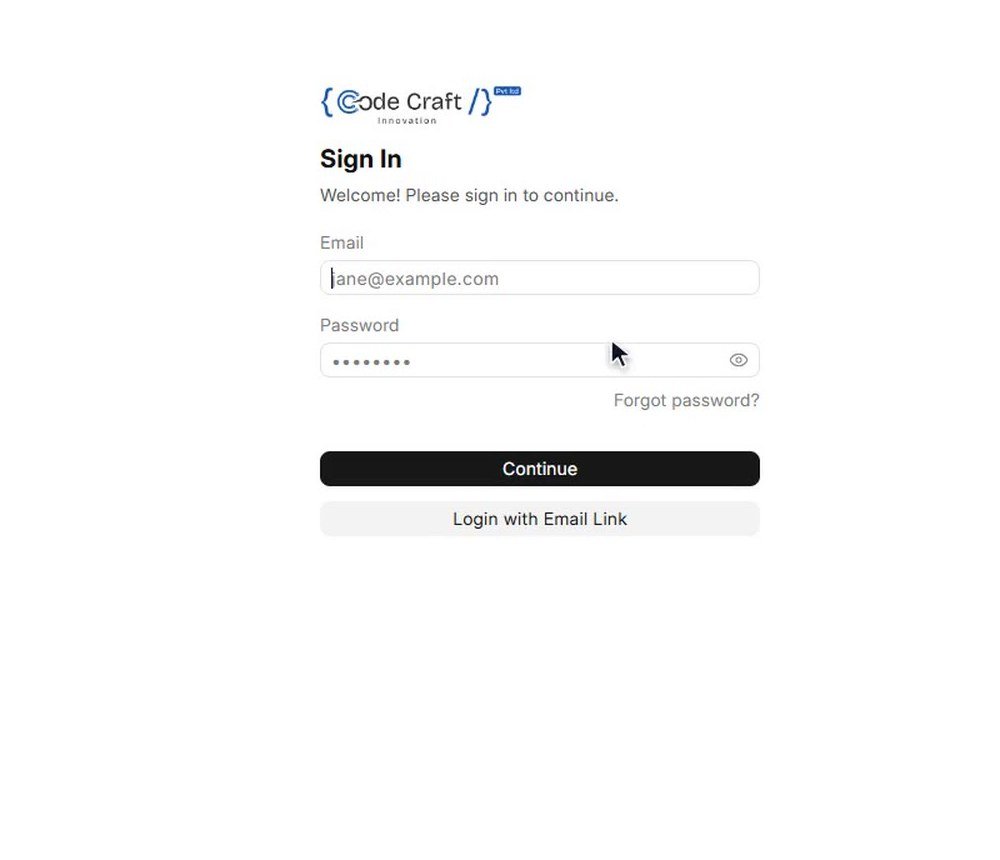
One secure login opens the whole workspace: ERP, HR and the platform underneath them. Customers, suppliers, items, accounts and employees are shared by every module, so information is entered once and used everywhere, from the first quotation to the final balance sheet.

Press Ctrl+K and jump straight to any record, report or setting. No hunting through menus, and no asking who last touched a file.

The layout is the same in every module, so once your team learns one area, they know their way around all of them. Each person gets a role matched to their job and sees what they need for their work.

Code Craft ERP | Sign in
Code Craft ERP sign-in screen

MODULES

Every part of the business, in one system.

Each module works on its own and gets stronger with the others. A sales order reserves stock. A delivery updates inventory. An invoice posts to accounts. Attendance feeds payroll.

Follow one order through the whole business.

Typed once. Used everywhere.

Code Craft ERP | Selling
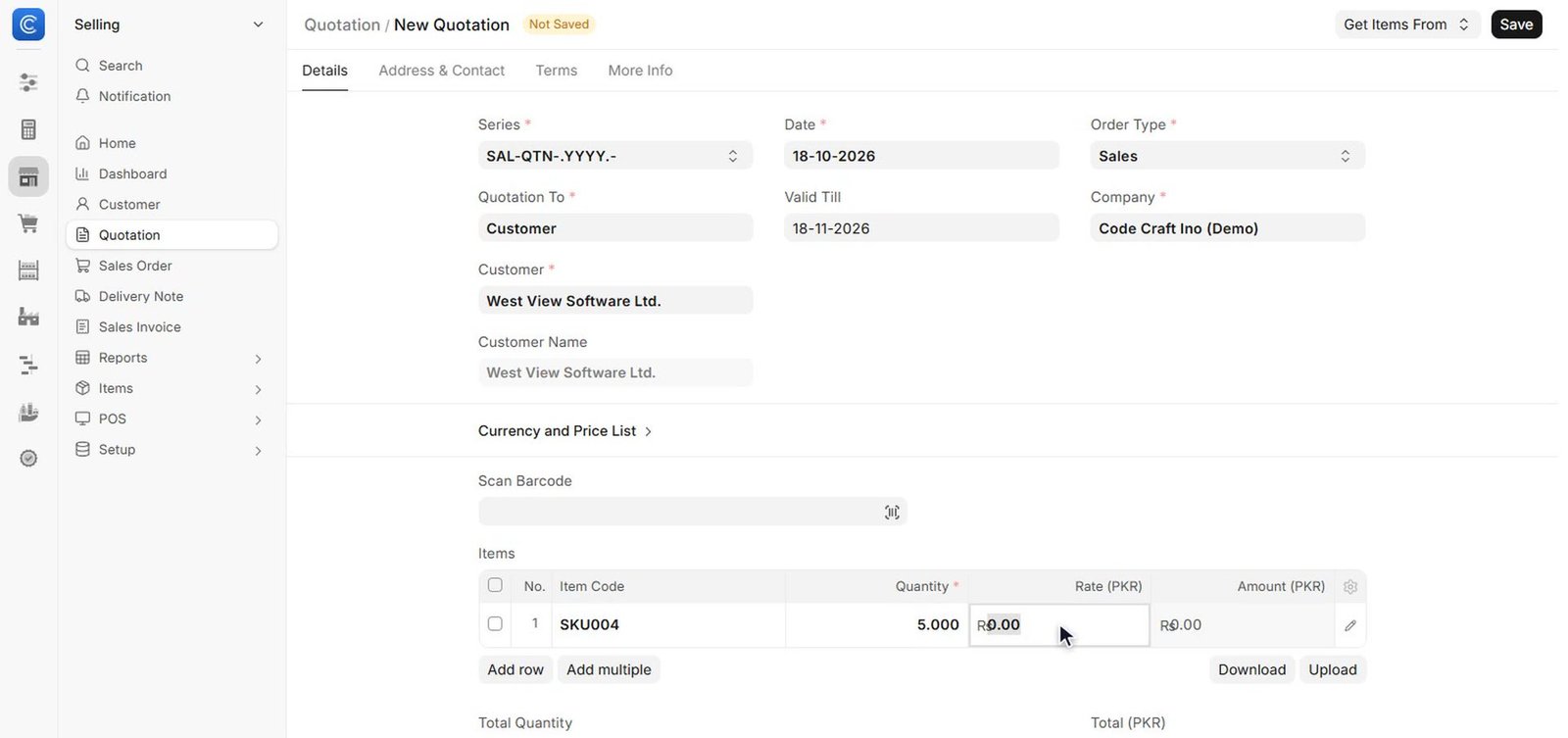
Code Craft ERP quotation screen: amounts and taxes calculate as you type

Quotation

Branded quotations that build in seconds, and convert to a sales order in one click.

Code Craft ERP | Selling
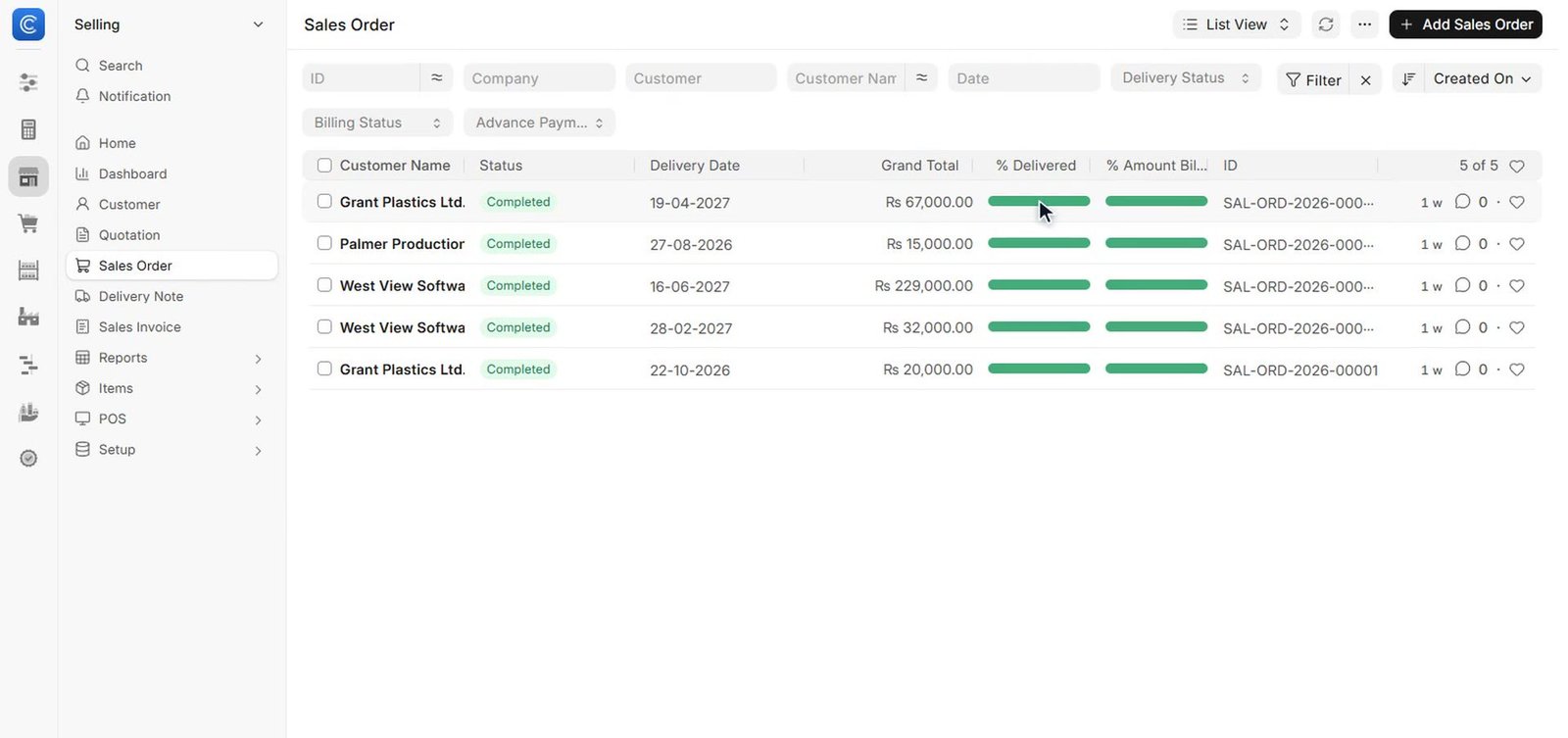
Code Craft ERP Selling: sales orders showing what is delivered and billed

Sales order

Track what was ordered, delivered and billed for every order.

Code Craft ERP | Stock
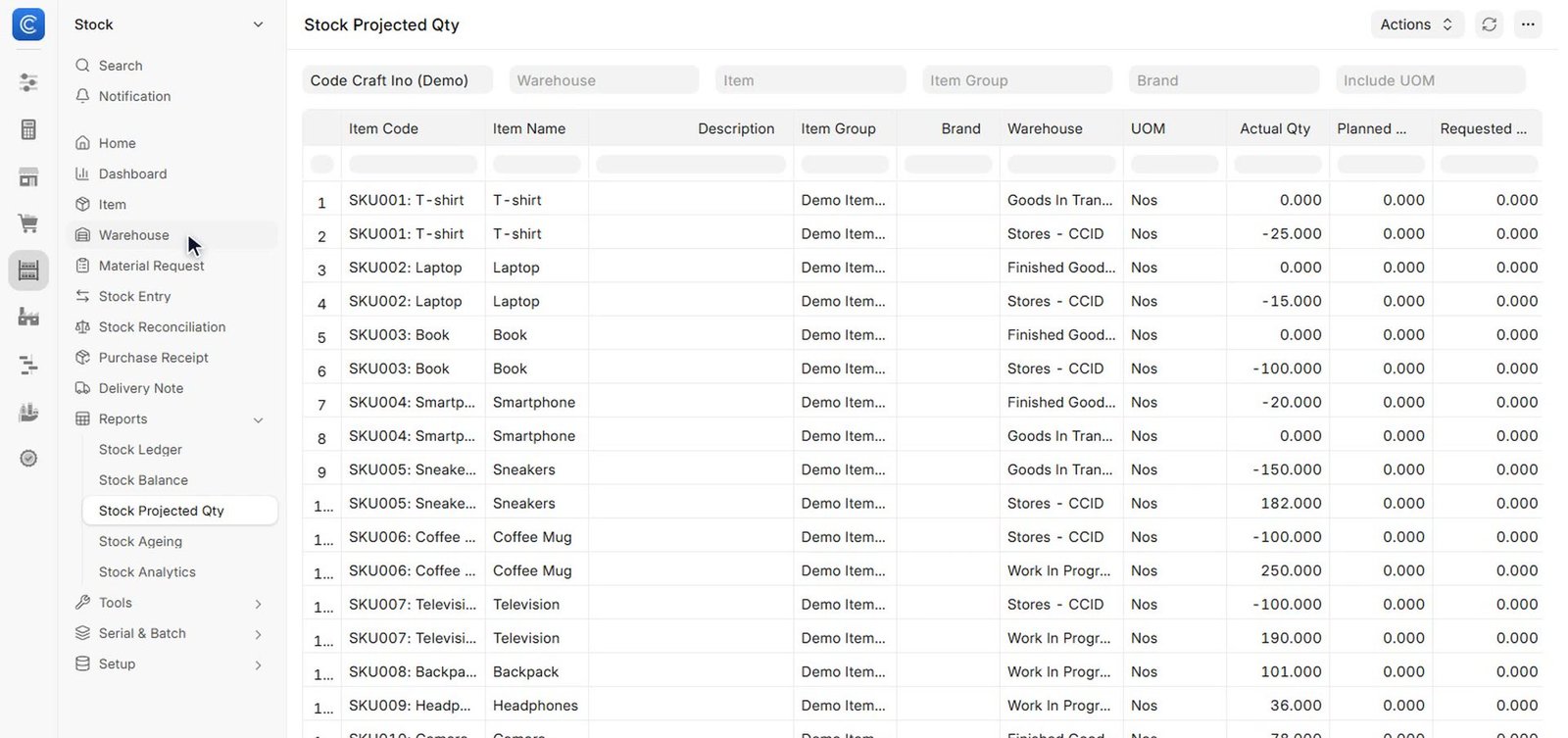
Code Craft ERP Stock: projected quantity report across warehouses

Stock

A sales order reserves stock. A delivery updates inventory.

Code Craft ERP | Accounts
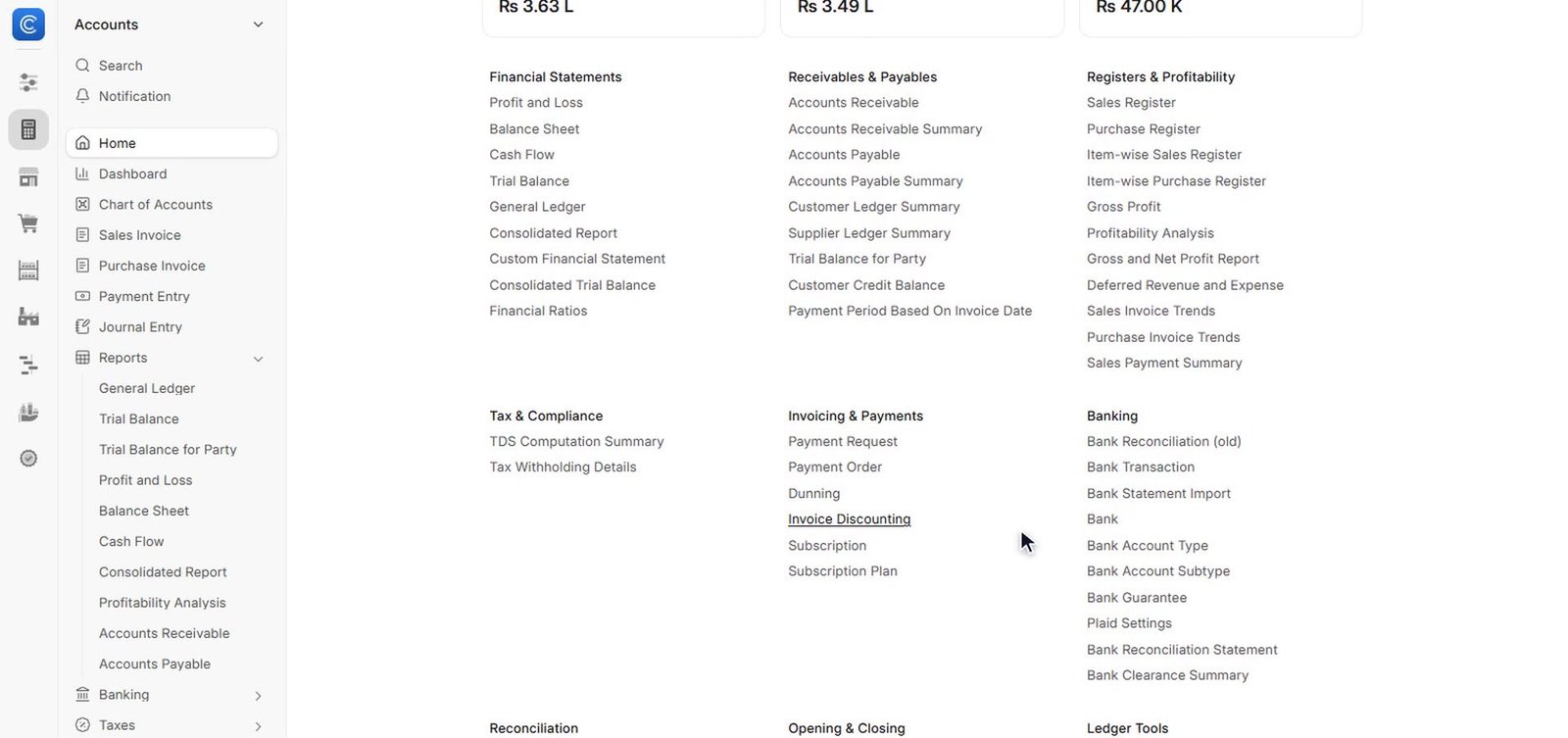
Code Craft ERP Accounts workspace: financial statements, receivables and banking in one place

Invoice

Invoices are created straight from orders, every status in one place: paid, unpaid, overdue.

Code Craft ERP | Accounts
Code Craft ERP Accounts module: live profit and loss statement

Payment

Payments are allocated to invoices, and the books update themselves: profit and loss, live.

One order. Typed once. Every department working from the same record.

Watch it happen in the tour

Accounts and Finance

Double-entry accounting that updates itself.

Every sale, purchase, payment and stock movement posts to the books automatically, so finance always works with live numbers instead of last month’s.

  • Chart of accounts. A ready-made account tree, grouped for clean financial statements, that you can adapt to your business. Live balances show on every account.
  • Sales and purchase invoices. Invoices with taxes, discounts, payment terms and due dates, created straight from orders. Every invoice status in one place: paid, unpaid, overdue, with accounts receivable per customer.
  • Payments and reconciliation. Record receipts and payments, allocate them to invoices and track what is still outstanding. Import bank statements and match them with entries in a few clicks.
  • Taxes. Tax templates for sales and purchases, including withholding tax.
  • Budgets and cost centres. Plan spending by department or project and compare it with actuals.
  • Multi-currency. Bill and pay in any currency, with exchange-rate revaluation.
  • Subscriptions and period closing. Recurring invoices for repeat customers and a clean year-end close.

Reports included: general ledger, trial balance, profit and loss, balance sheet, cash flow, and receivable and payable ageing. Profit and loss, balance sheet and cash flow generate instantly and show live.

Used by: accountants, finance managers, owners.
Selling and CRM

One trail from first enquiry to delivered order.

Sales teams see every conversation, quote and order for a customer in one place, so nothing depends on one person’s inbox.

  • Leads and prospects. Capture enquiries from any channel and qualify them.
  • Opportunities. Follow each deal through its stages, with notes, follow-ups and expected value, in the sales pipeline.
  • Customers and contacts. Customer records with addresses, contacts, credit limits and full history on one screen.
  • Quotations. Branded quotations that build in seconds, with amounts, taxes and totals calculating automatically as you type, and convert to a sales order in one click.
  • Sales orders. Track what was ordered, delivered and billed for every order.
  • Price lists and pricing rules. Customer-specific prices, quantity discounts and promotional schemes.
  • Delivery notes. Pick, pack and ship, with stock updated as goods leave.
  • Sales people and territories. Targets and commission by sales person, partner and territory.

Reports included: sales analytics, sales funnel, order trends, customer acquisition and territory-wise sales.

Used by: sales teams, sales managers, customer service.

Buying

Buy at the right price, from the right supplier.

Every request, quote and order is connected, and supplier bills post directly into accounts payable.

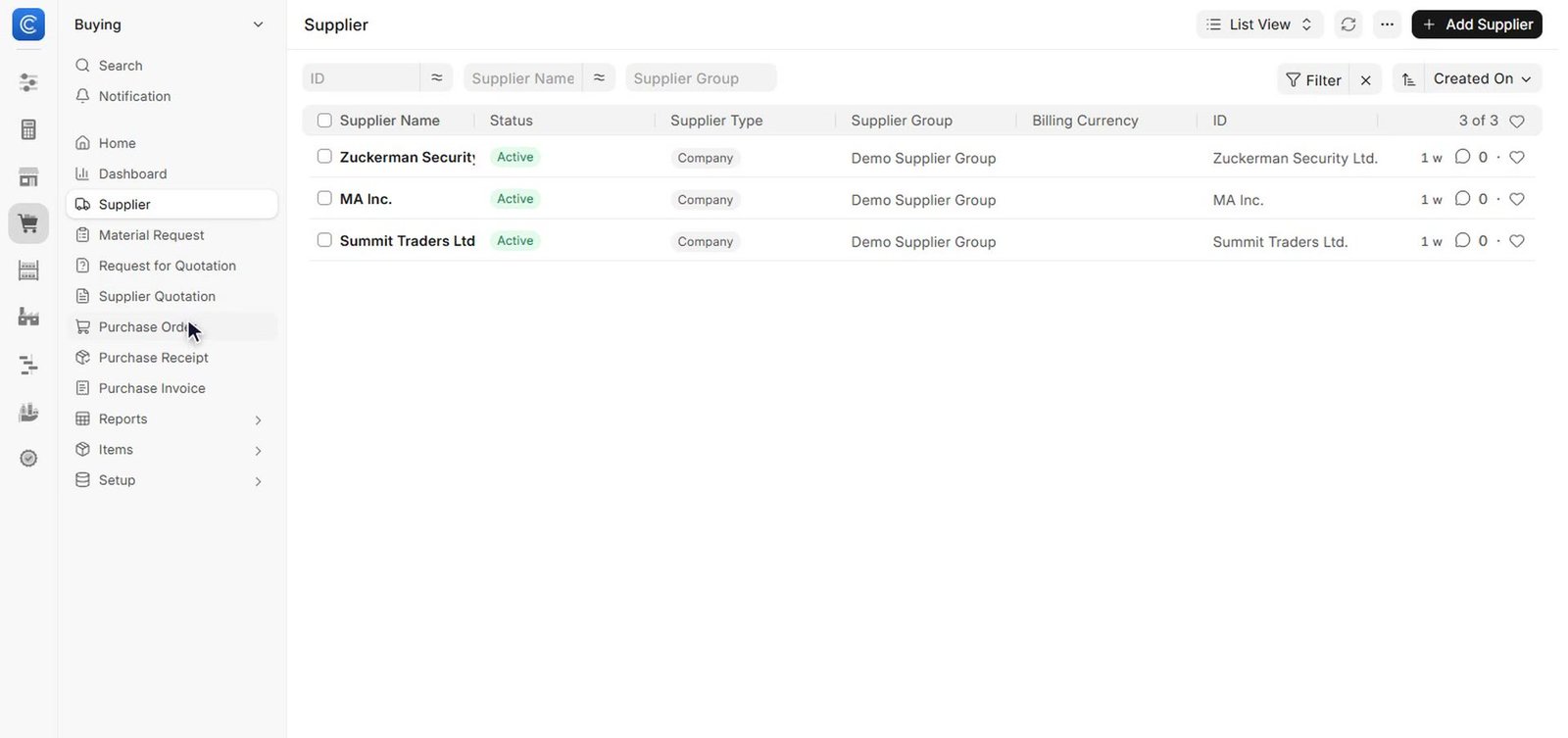
  • Suppliers. Supplier records with contacts, payment terms and history.
  • Material requests. Raise requests for what is needed, manually or automatically when stock runs low.
  • Requests for quotation. Send one request to several suppliers at once.
  • Quote comparison. Compare supplier quotations side by side before you order.
  • Purchase orders. Approve, send and track orders until the goods arrive.
  • Purchase receipts. Receive goods against orders, with stock updated on receipt.
  • Supplier scorecards. Rate suppliers on delivery, quality and price over time.
  • Blanket orders. Agreed rates and quantities for repeat purchases.

Reports included: purchase analytics, procurement tracker, quotation comparison and purchase order trends.

Used by: purchase teams, store keepers, approvers.

Stock and Inventory

Always know what is in stock, where it is, and what it is worth.

  • Items and variants. An Item Master holding product details, units, variants such as size and colour, prices, images and specifications.
  • Multi-warehouse. A tree of warehouses with stock levels for stores, work in progress and finished goods, and transfers between them.
  • Stock entries. Receipts, issues, transfers and repacks, all with a full audit trail.
  • Batches, serials and barcodes. Trace every unit from receipt to sale, and scan to work faster.
  • Automatic re-order. Material requests are raised when stock falls below re-order levels.
  • Pick lists. Guided picking for orders and deliveries.
  • Stock valuation. FIFO or moving-average valuation, posted to accounts.
  • Landed cost. Add freight, duty and other charges to the cost of goods received.

Reports included: stock ledger, stock balance, stock ageing, projected quantity and batch-wise balance.

Used by: store keepers, warehouse and logistics teams.

Manufacturing

Plan production, run the shop floor, know the true cost.

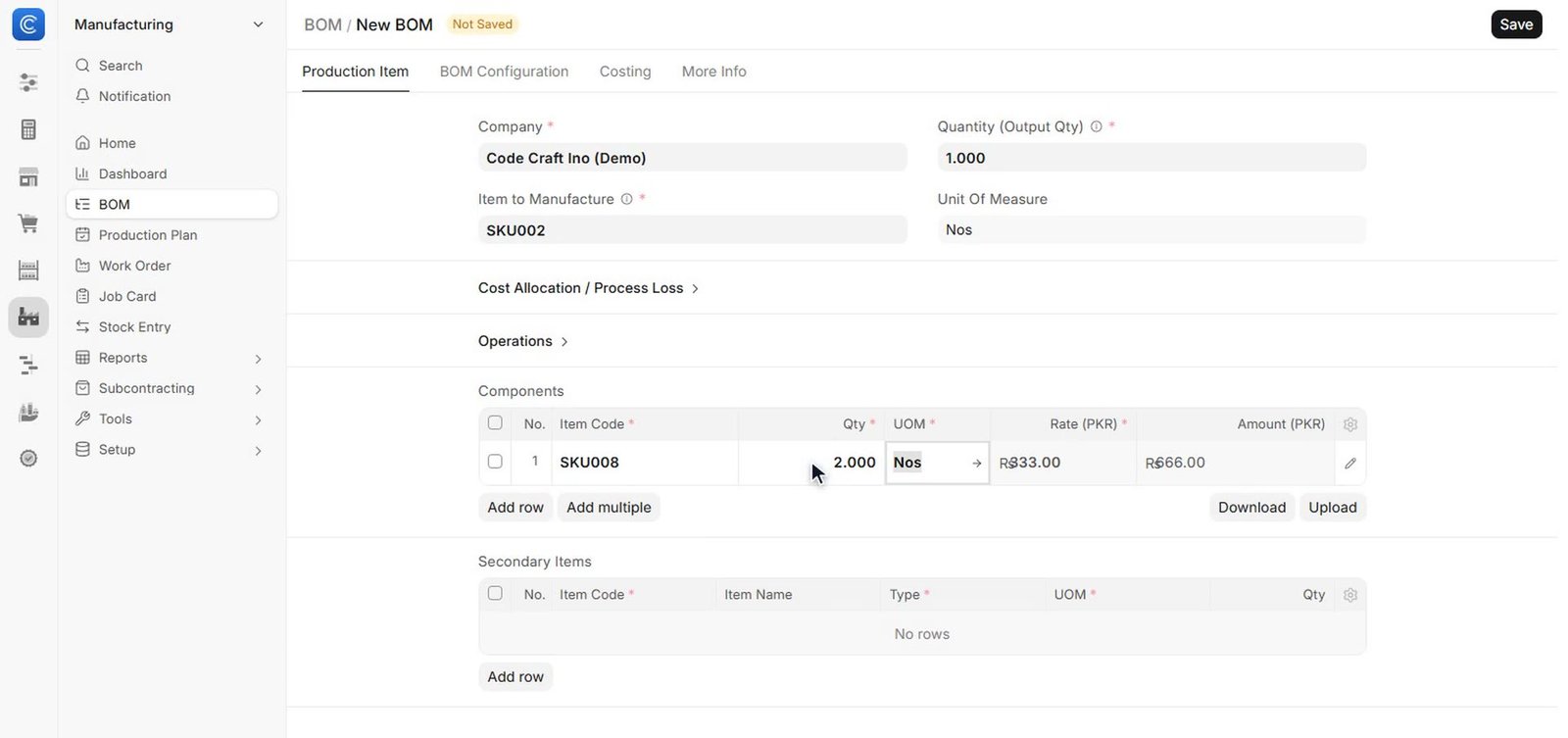
  • Bills of materials. Multi-level BOMs with raw materials, operations and costs. Define the BOM for a product and the material and cost of every finished item roll up automatically.
  • Operations and routing. Define the steps, workstations and times for each product.
  • Production planning. Plan from sales orders and raise the materials you need.
  • Work orders. Issue materials, track progress and receive finished goods.
  • Job cards. Log time and quantity for each operation on the shop floor.
  • Subcontracting. Send materials to a subcontractor and receive finished items back.
  • Capacity planning. See workstation load and avoid bottlenecks.
  • Downtime tracking. Record machine downtime and its reasons.

Reports included: production planning report, BOM explorer, work order summary and job card summary.

Used by: production planners, supervisors, factory managers.

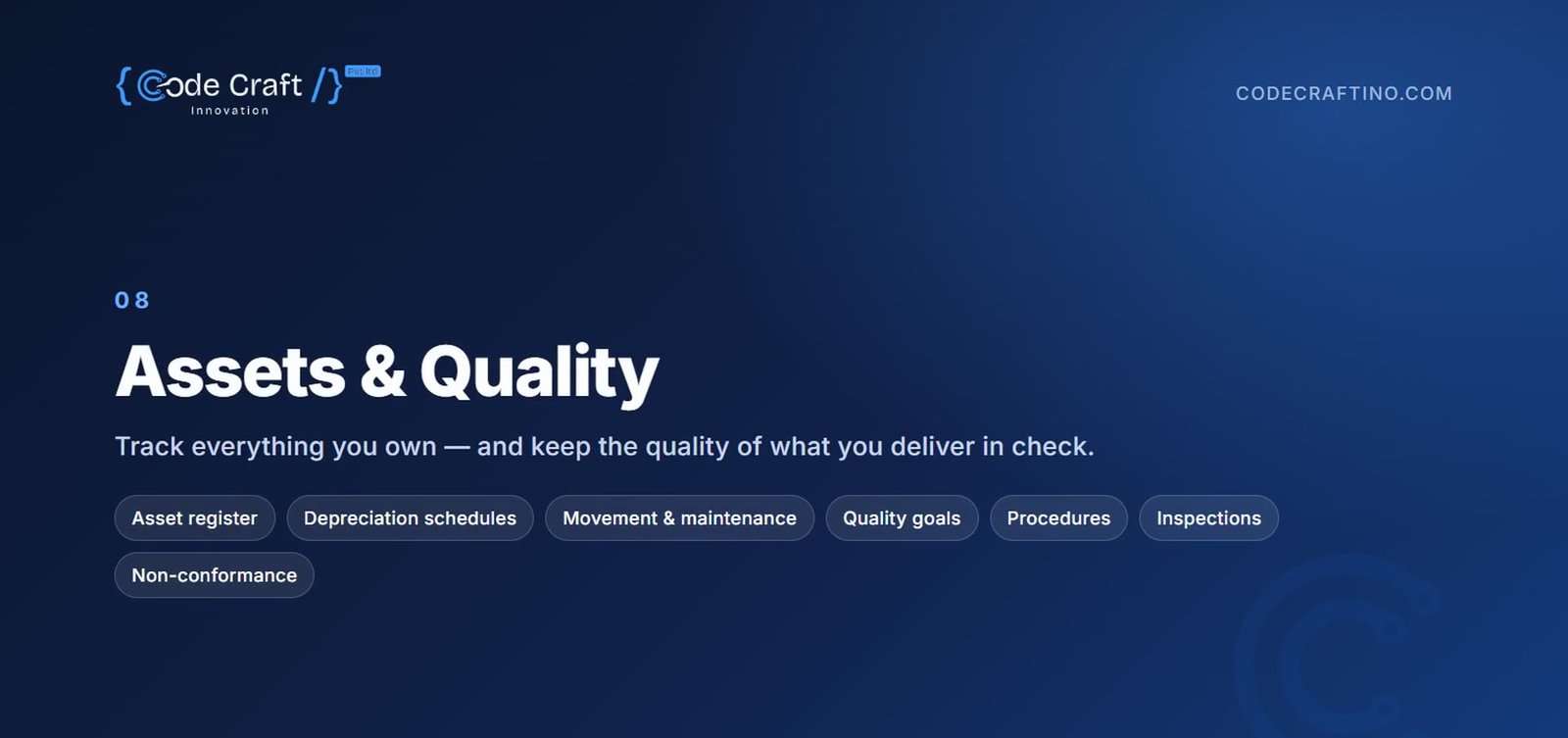
Quality

Build quality into every step.

  • Quality inspections. Inspect incoming, in-process and outgoing goods against templates.
  • Inspection templates. Reusable checklists with acceptance criteria.
  • Quality goals. Set measurable goals for deliveries and items, and review progress.
  • Procedures. Document how work is done, step by step.
  • Non-conformance and actions. Record problems and the corrective actions taken.
  • Reviews, meetings and feedback. Run quality reviews and capture feedback in one place.

Report included: quality inspection summary.

Used by: quality teams, auditors, plant managers.

Projects

Deliver work on time and on budget.

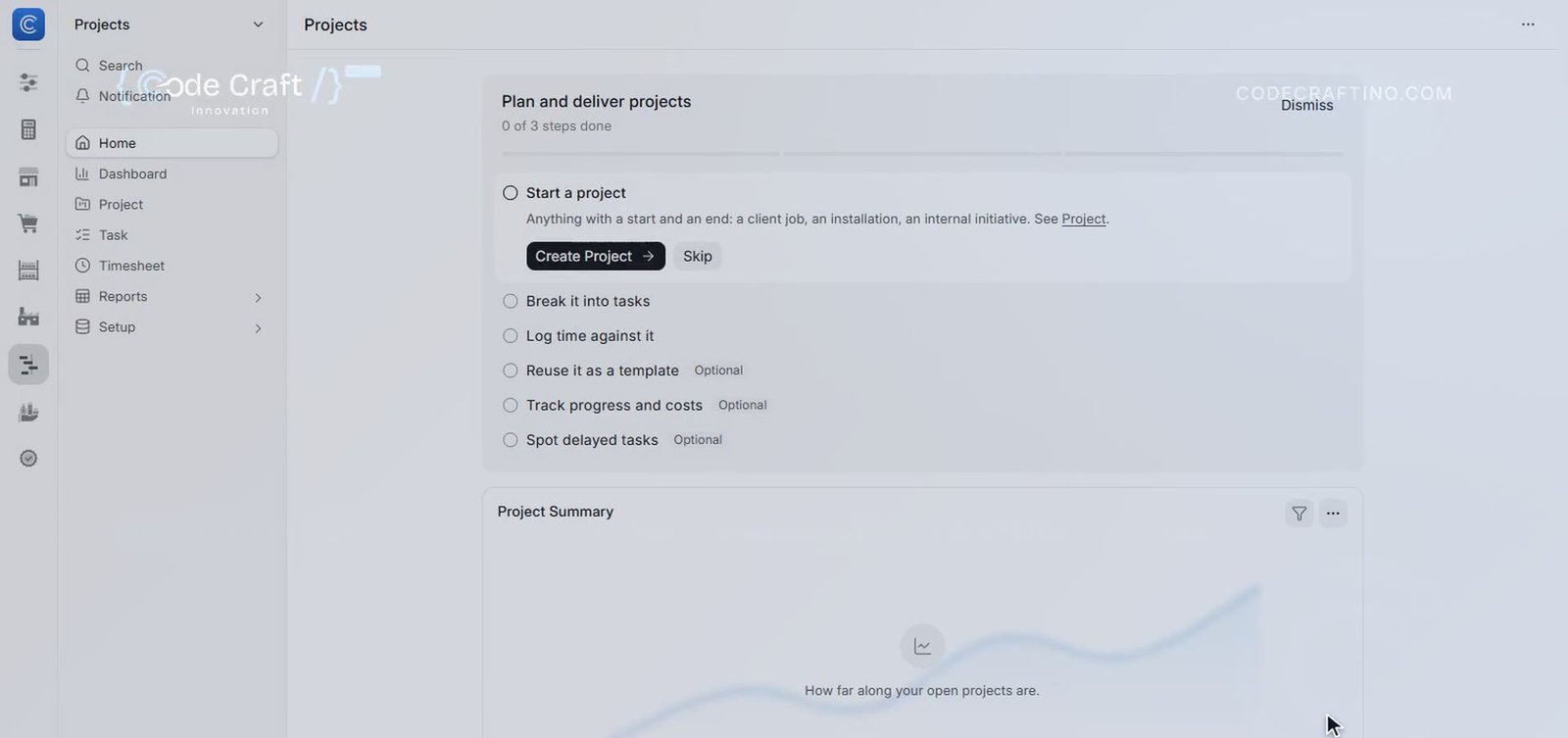
  • Projects and tasks. Break work into tasks with owners, dates and dependencies, for client and internal projects.
  • Gantt and kanban views. Plan visually and move tasks across stages.
  • Timesheets. Log hours against tasks and bill them to clients, with progress tracked as it happens.
  • Project costing. Track cost, billing and profit for each project.
  • Project templates. Start new projects from a standard set of tasks.
  • Activity costs. Cost and billing rates per activity and per employee.

Reports included: project summary, timesheet billing and project profitability.

Used by: project managers, consultants, service teams.

Assets

A complete register of what the business owns.

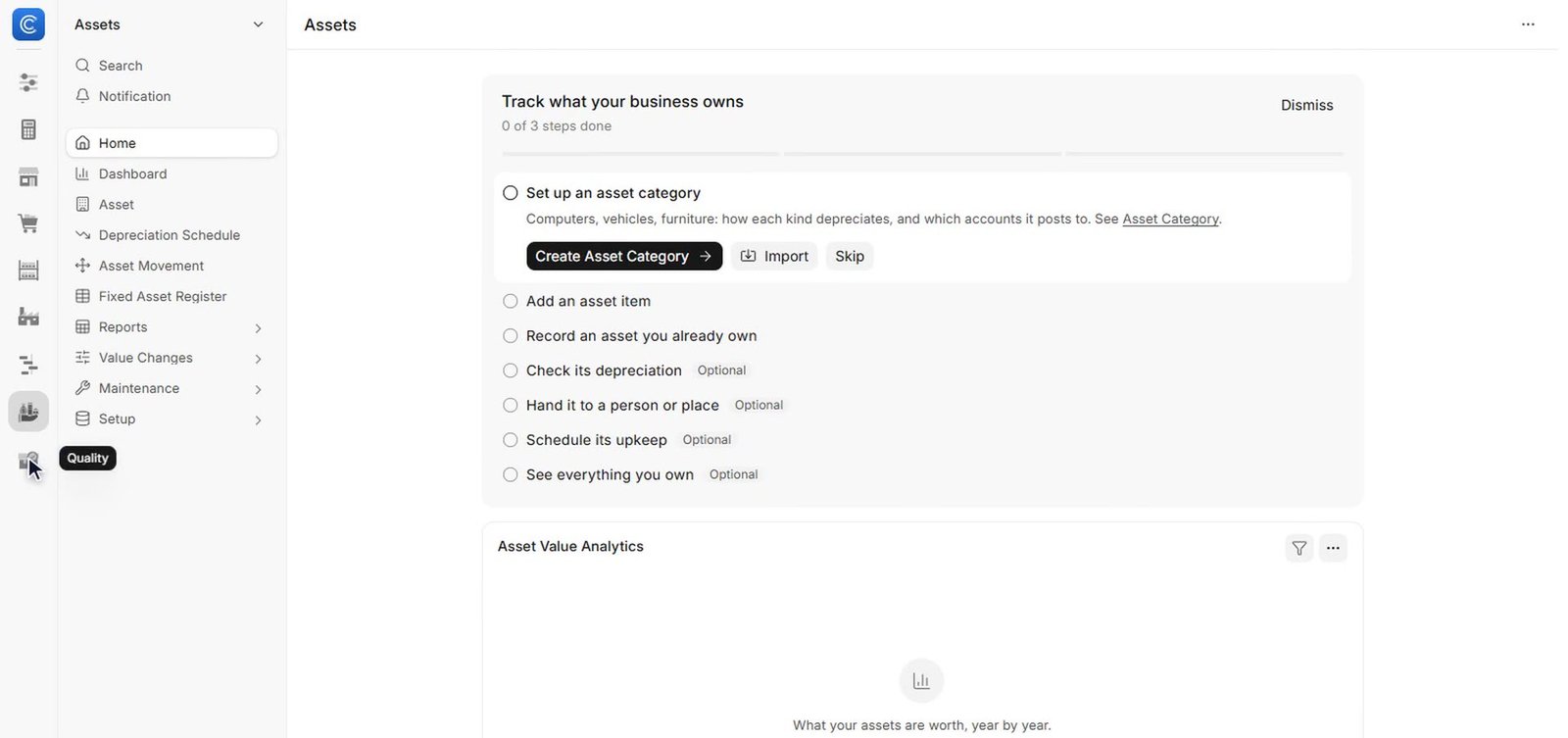
  • Asset register. Every asset with its category, location, custodian and value.
  • Depreciation. Straight-line or written-down-value schedules, posted to accounts.
  • Asset movement. Track transfers between locations and people.
  • Maintenance and repair. Plan servicing, log repairs and their cost.
  • Value adjustments. Revalue, capitalise, sell or scrap assets correctly.
  • Asset tagging. Identify assets quickly with codes and categories.

Reports included: fixed asset register and asset depreciation ledger.

Used by: finance, admin and maintenance teams.

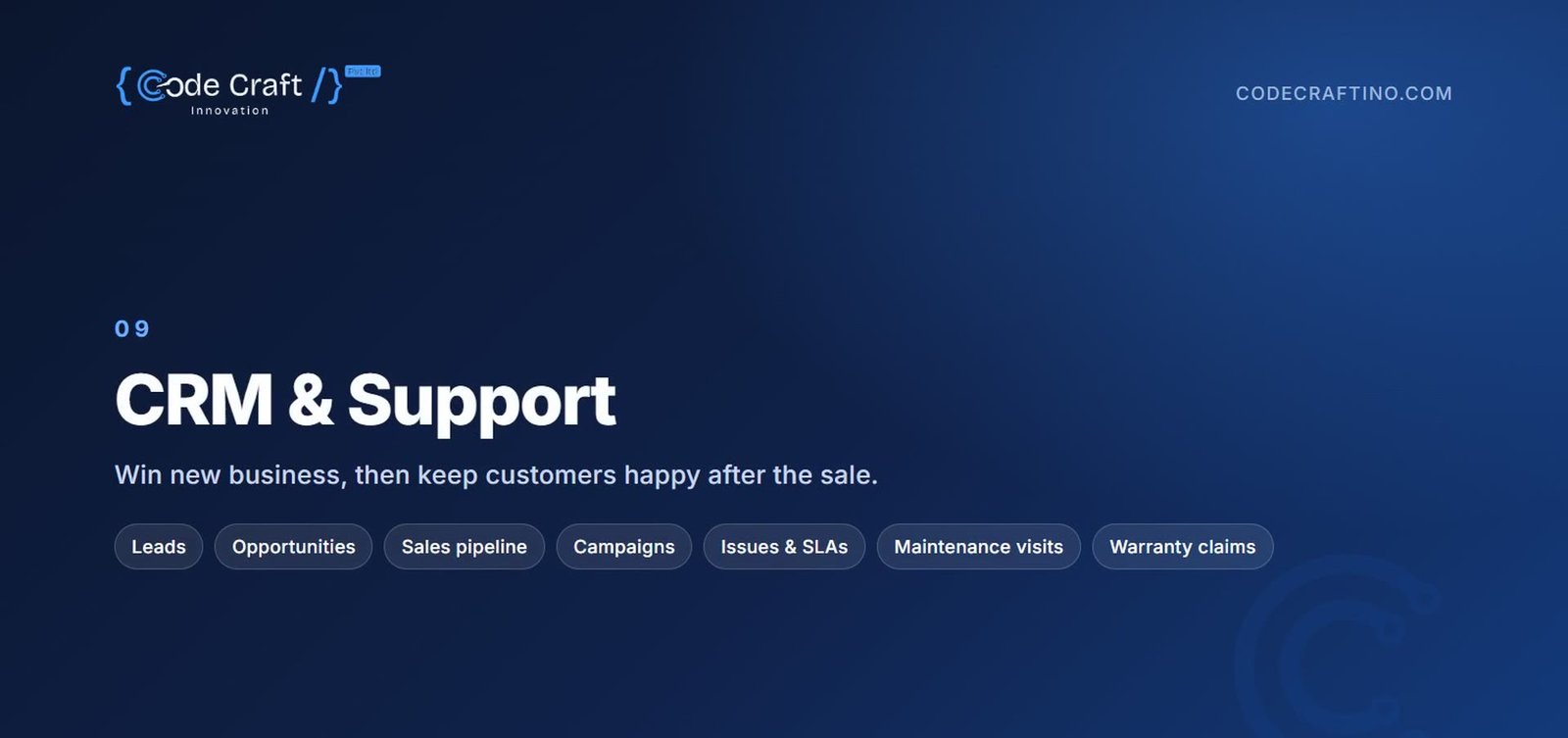
Support

Keep customers happy after the sale.

  • Issues and tickets. Log customer issues from email or the portal and assign them.
  • Service level agreements. Response and resolution targets, with tracking.
  • Warranty claims. Record and resolve warranty and AMC claims.
  • Maintenance schedules. Plan preventive maintenance visits for customers.
  • Maintenance visits. Log what was done on each service visit.
  • Customer portal. Customers raise and follow their own issues online.

Reports included: issue summary, first response time and SLA compliance.

Used by: support desks, field service teams.

HR

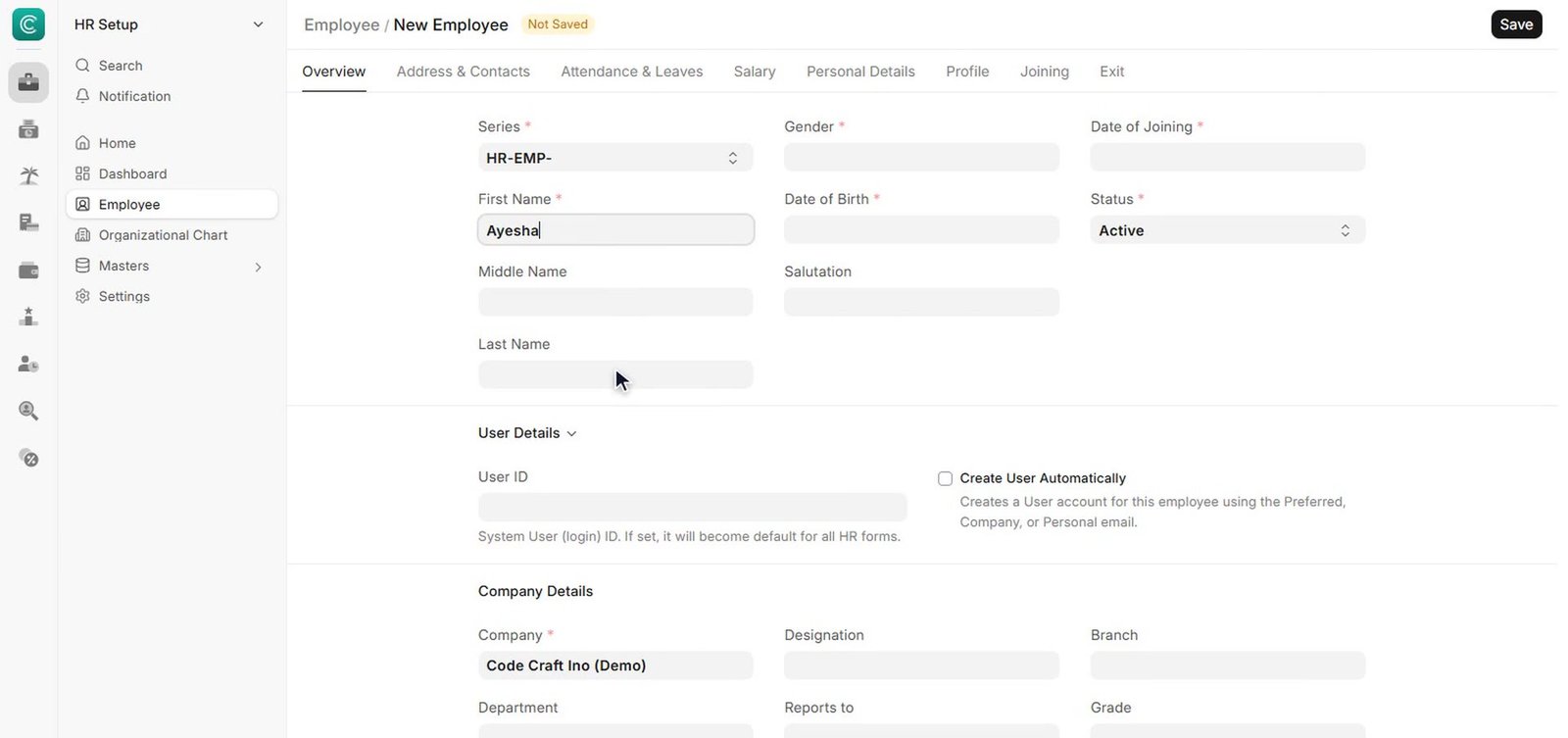
One record per employee, from hiring to exit.

Connected to attendance, leave, expenses and pay, with guided setup when you start.

  • Employee records. Profiles, documents, departments, designations and reporting lines.
  • Attendance and check-ins. Daily attendance from check-ins or devices, with reports.
  • Shifts. Shift types, rosters and automatic attendance from shifts.
  • Leave management. Leave types, policies, balances, holiday lists and approvals.
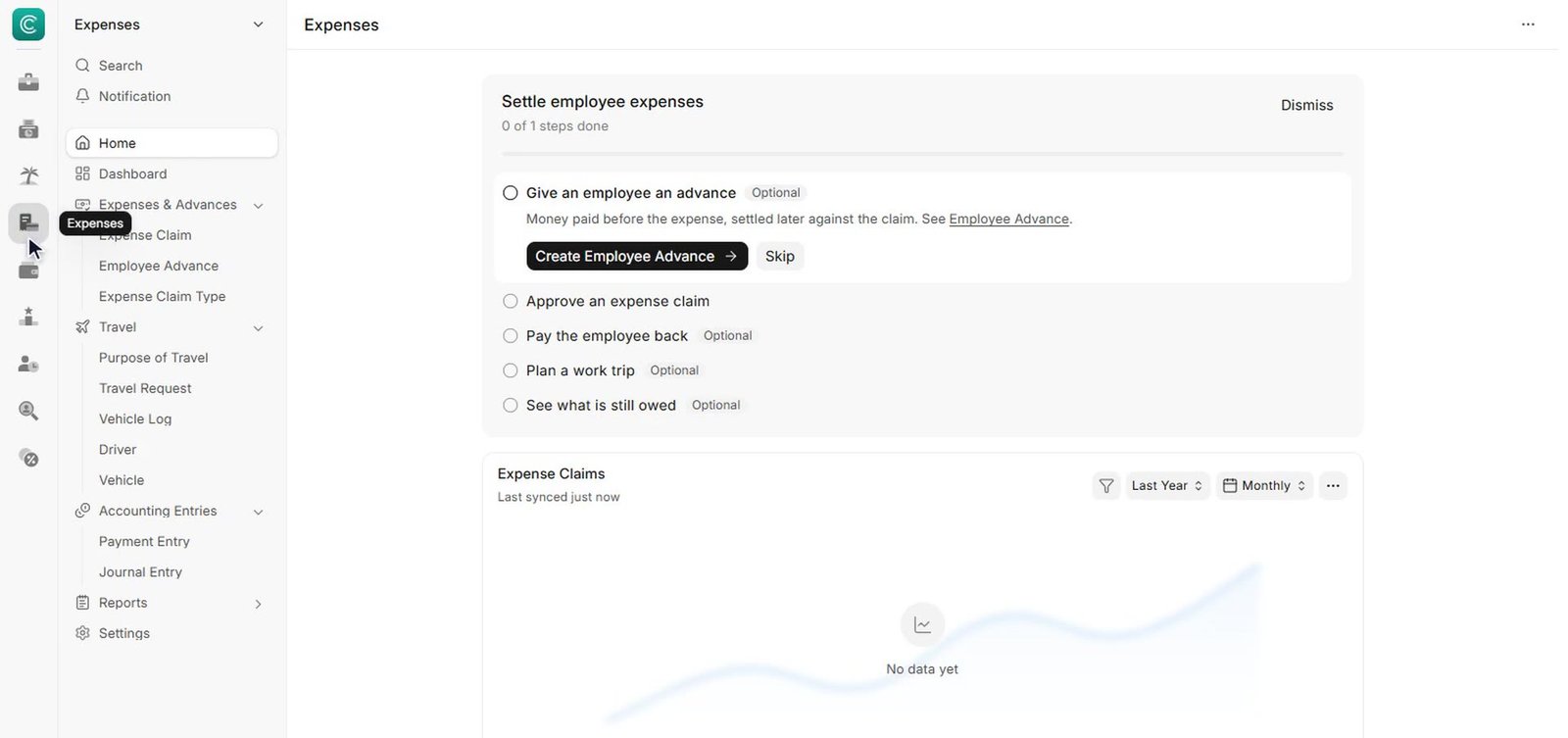
  • Expense claims and advances. Submit, approve and settle expenses and employee advances.
  • Recruitment. Job openings, applicants, interviews and job offers, in a recruitment pipeline.
  • Onboarding and exit. Checklists for joining and leaving employees.
  • Performance. Goals, appraisals and feedback cycles.

Reports included: monthly attendance sheet, leave balance, employee analytics and recruitment analytics.

Used by: HR teams, managers, and every employee through self-service.

Payroll

Accurate salaries every month, posted to accounts.

Payroll is calculated from attendance and leave, so the month-end run starts from records that are already right.

  • Salary components. Earnings and deductions with formulas and conditions.
  • Salary structures. Assign standard pay structures to groups of employees.
  • Payroll run. Process payroll for a whole company or a single department at once.
  • Salary slips. Branded salary slips, generated and emailed to each employee.
  • Income tax. Tax slabs and exemptions applied automatically.
  • Additional pay. Bonuses, incentives, arrears and retention payments.

Reports included: salary register, payroll summary and income tax deductions.

Used by: HR and payroll teams, finance.

Platform

The platform underneath everything.

These capabilities are available in every module from day one.

  • Roles and permissions. Decide who can see, create, edit, submit or cancel each document, down to individual fields.
  • Approval workflows. Multi-step approvals for orders, leave, expenses and any other document.
  • Reports and dashboards. Ready-made reports, charts and number cards, and a drag-and-drop report builder. Any data list can be turned into a report.
  • Print formats and letterheads. Branded invoices, quotes and slips as PDF, designed in a visual editor, ready to print or email.
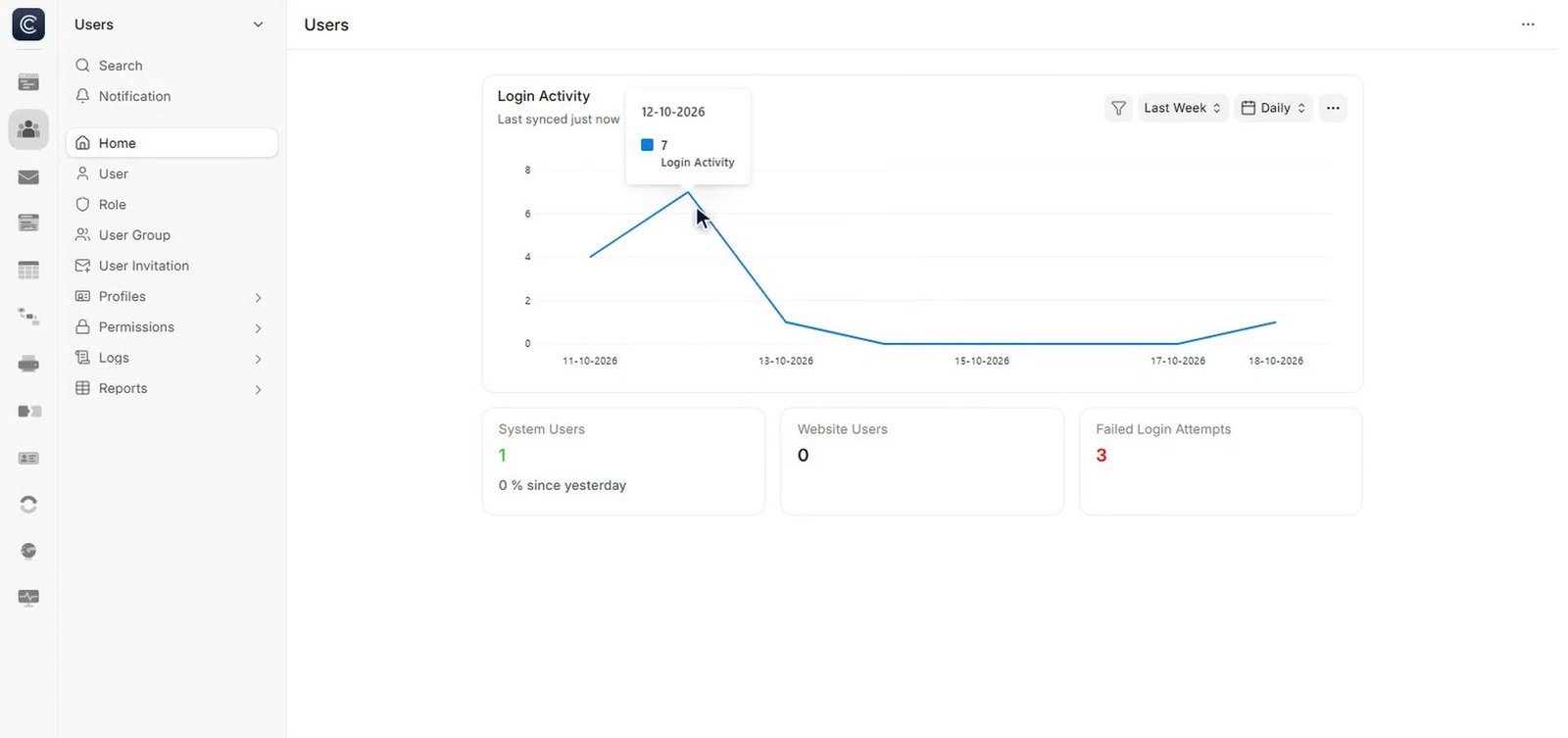
  • Email and notifications. Send documents by email and get alerts when something needs attention, with assignment rules, auto-repeat document notifications and reminders.
  • Customise without code. Add fields, change forms and layouts, and create new document types, all from the browser.
  • Data import and export. Bring in existing data from Excel or CSV, and export any list.
  • Audit trail. Every change is versioned, with who changed what, and when.
  • REST API and webhooks. Connect websites, mobile apps, payment gateways and other software. Integrations with third-party apps, including Google and email, are available. Those same connections are how AI tools plug in, through the REST API and the third party integrations above, instead of sitting outside your business data.
  • Multi-company. Run several companies, branches and currencies in one system.
  • Any device. Code Craft ERP runs in the browser on desktop, tablet and phone. There is no software to install.

See the modules your business would use first.

Book a demo
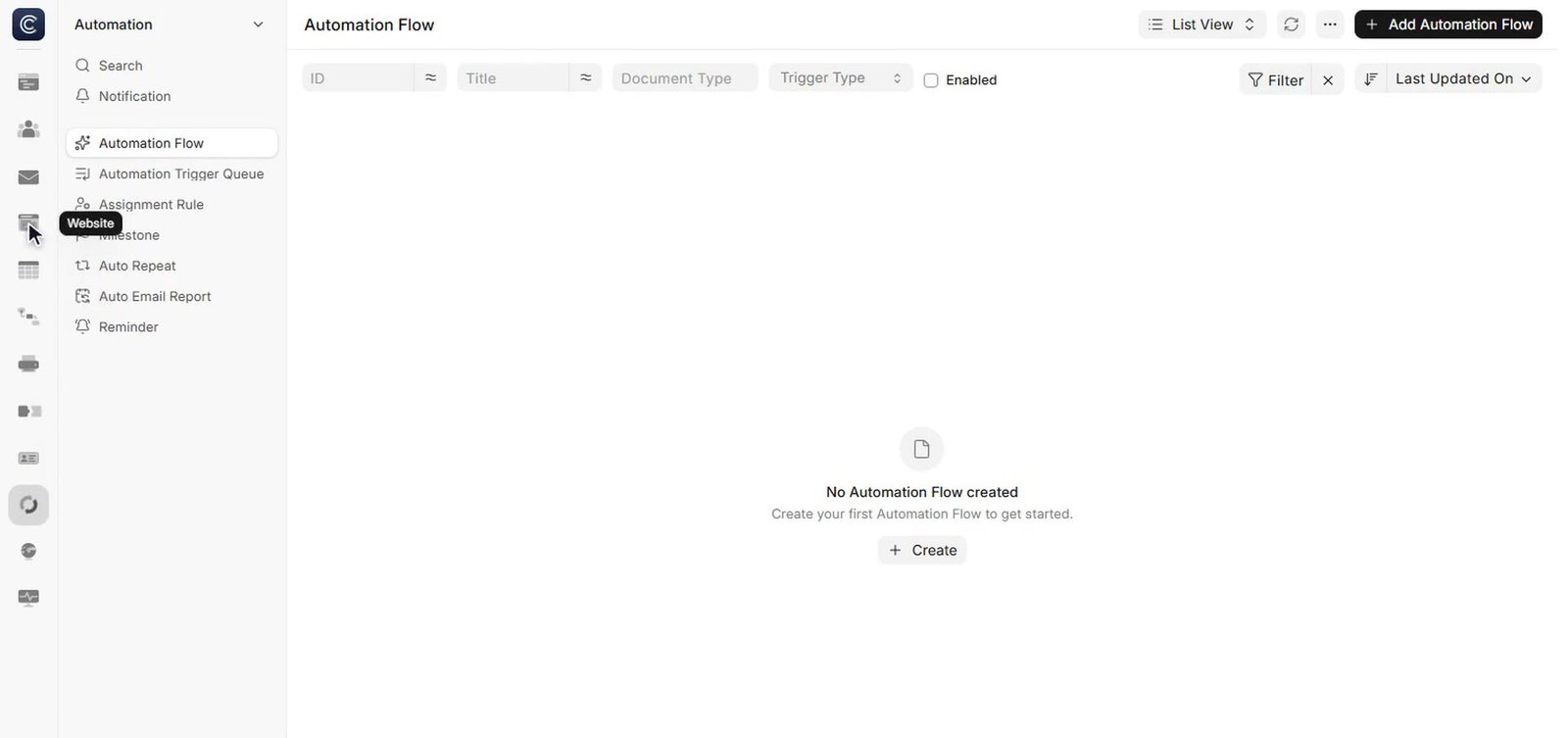
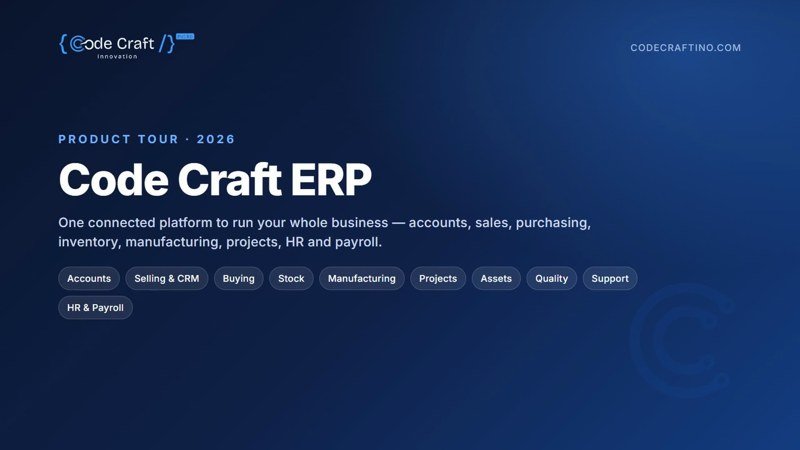
Code Craft ERP product tour 2026: title card Watch the full tour (7:43) Every module, in the order your team would use them.

BUILT FOR WHAT COMES NEXT

Ready to connect AI, on your terms

Code Craft ERP already does the groundwork that AI needs. Your records live in one place, your recurring work already runs on rules, and the doors for other tools to connect are already built in. When you add AI to your business, it should work with the system that runs your business, not around it.

The automations are already running

Your ERP already handles recurring work by rule: assignment rules route new work to the right person, auto repeat carries the cycles that come round again, and notifications and reminders keep people and deadlines from drifting. That rule based groundwork is what any connected AI assistant builds on, because the jobs, the owners and the records are already in one system.

The connections are already built in

Code Craft ERP integrates with third party apps, including Google, email and payment gateways, and a REST API is available for connections the standard integrations do not cover. AI agents and assistants built by Code Craft connect through those same doors: reading the records they are allowed to read, and writing back the work they complete, inside the one login your team already uses.

What that means in practice

  • Example: an AI receptionist connected through the API books work against the same records your team sees, so a booking made after hours is already in the system on Monday morning, next to everything else.
  • Example: an AI agent preparing follow ups can work from your real customer records and history in the ERP, instead of a spreadsheet someone exported last month.
  • Example: an automation that watches invoice statuses in the ERP can trigger the follow up steps your business chooses, on the invoices that are actually overdue.

Examples of connected setups. AI Solutions are a separate Code Craft service; see AI Solutions for how they are designed, approved and launched.

Your system of record stays in charge

AI connected this way works through the ERP’s doors and the ERP’s records. The ERP stays the one place your accounts, stock, orders and customer history live, with one secure login for your team. If an AI tool is ever disconnected, your data and your history stay exactly where they were: in your ERP.

How it connects

Code Craft ERP

REST API

AI Receptionist AI Agents AI Automation Generative AI

See how Code Craft AI Solutions are built around your business rules.

IMPLEMENTATION

From sign-up to go-live, in five steps.

A clear, step-by-step rollout, so every team is ready on day one.

  1. 1

    Discover and set up.

    We map your processes, then set up your company, chart of accounts, taxes, warehouses and users.

  2. 2

    Import your data.

    Customers, suppliers, items, employees and opening balances are imported from your existing files.

  3. 3

    Configure.

    Approval workflows, branded print formats, permissions and dashboards are set for each team.

  4. 4

    Train.

    Hands-on sessions for each department, using your own data.

  5. 5

    Go live and support.

    Your team starts working on Code Craft ERP, with our team on hand for questions and changes.

Every user gets a role matched to their job, and documents and screens carry your company identity.

BOOK A DEMO

Not sure if it fits? That is what the demo is for.

Book a short demo and bring the one question your current tools answer worst: what is in stock, what a job really cost, what a customer still owes you, or what payroll will look like this month. We will show you that workflow inside Code Craft ERP, on the modules above, and tell you plainly if a module is not the right fit for how you work.

what is in stock
what a job really cost
what a customer still owes you
what payroll will look like this month

What happens in the demo:

1

We look at how many tools you are juggling today, and where they break.

2

We walk through the relevant modules live, in the order your business would use them.

3

Your product questions are answered straight. Nothing about pricing is published on this page; the commercial side is covered in the demo conversation.

Book a demo

Prefer to talk first? Email info@codecraftino.com or use our contact page.

QUESTIONS

Questions buyers ask us.

See it on your own business first.

Book a demo

No. Code Craft ERP is one connected platform behind one login. Accounts, Selling and CRM, Buying, Stock and Inventory, Manufacturing, Quality, Projects, Assets, Support, HR, Payroll and the Platform layer all work in the same system, on the same records.

Yes. Stock and Inventory supports multiple warehouses, with transfers between them, and tracks stores, work in progress and finished goods. The stock ledger, projected quantity and valuation reports show what you hold, where it is and what it is worth.

Yes. You define a Bill of Materials for each product, across as many levels as the product needs, and its material and operation costs roll up automatically. Production planning, work orders, job cards and shop-floor management sit in the Manufacturing module.

Yes. HR covers the full employee journey in the same login: records, check-ins, attendance and shift rosters, leave, expense approvals and recruitment. Payroll runs from the same data, with salary structures, payroll runs and generated salary slips.

Yes, for everything the Platform covers. Forms can be customised without coding, new fields added and layouts changed. Any data list can be turned into a report, and the report builder is drag-and-drop. Branded PDFs can be printed or emailed.

It comes with you. Customers, suppliers, items, employees and opening balances are imported from your existing files, including Excel and CSV, as step two of the rollout.

Yes. Integrations with third-party apps, including Google, email and payment gateways, are available, along with a REST API and webhooks.

No. Code Craft ERP runs in the browser, on desktop, tablet and phone.

We do not publish pricing. Book a demo, and the commercial side is covered in that conversation, based on what your business actually needs.

Accounts Selling and CRM Buying Stock and Inventory Manufacturing Quality Projects Assets Support HR Payroll Platform

GET STARTED

Run your whole business on one platform.

One login for accounts, stock, manufacturing, projects and your people. Book a demo and see it on the modules your business would use first.

Book a demo

Code Craft Innovations

23 Commerce Rd, Fairfield, NJ 07004

info@codecraftino.com

Phone / WhatsApp: +1 (201) 954-2470

  • Certified Wix Partner
  • 250+ Websites Built
  • 140+ WordPress Builds
  • Fairfield, NJ Based
G 5-star Google reviews
Client logoClient logoClient logo
Now booking new projects

Ready to turn your website into your best salesperson?

Tell us what you are trying to grow. You will get a binding fixed written quote within 24 hours, from the engineer who would lead the build.

Prefer to talk? Book a free consultation
Fixed written quote within 24 hours. We never share your details.