
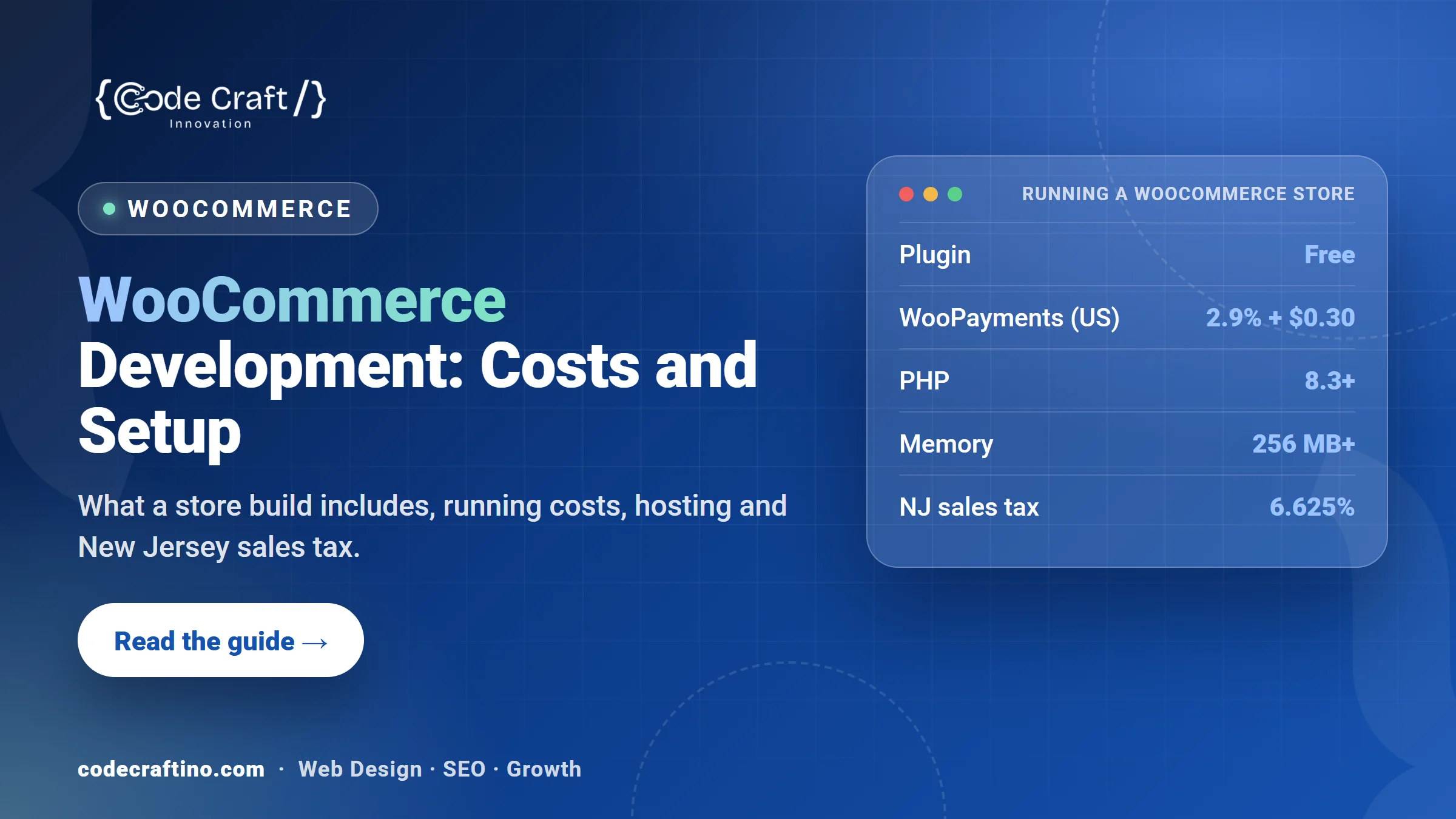
WooCommerce development means building an online store on WordPress with the WooCommerce plugin: products, cart, checkout, payments, shipping and tax, all inside the website you already manage. The plugin itself is free, and its built-in payment option, WooPayments, charges 2.9% + $0.30 per transaction on U.S. cards with no monthly fee. The real costs are design, setup, extensions, good hosting and ongoing updates. This guide explains what a WooCommerce build includes, what it costs to run, how to set it up correctly for New Jersey sales tax, and what to ask a developer before you hire one.
What is WooCommerce development?
WooCommerce is a free, open-source plugin that turns a WordPress site into a store. It’s listed on WordPress.org with more than 7 million active installations (WordPress.org). Development is everything needed to make it work for your business: the store design, product and category pages, payment and shipping setup, tax rules, emails, integrations with your other tools, speed work and testing.
It’s a good fit when content and search traffic matter to your sales, when you already run a WordPress site, or when you need features that a hosted platform makes hard or expensive. If you’re still deciding between platforms, read our WordPress vs Shopify comparison first.
What does a WooCommerce build include?
- Store planning: categories, product types (simple, variable, subscriptions or bookings), and the information each product page needs.
- Design: shop, category, product, cart and checkout pages that match your brand and work well on a phone.
- Payments: WooPayments, Stripe or PayPal, plus Apple Pay and Google Pay where available, tested with real transactions.
- Shipping: zones, rates, free-shipping rules, local pickup and label printing if you need it.
- Tax: correct rates and settings for where you sell (see the New Jersey section below).
- Emails and accounts: order confirmation, shipping and refund emails, plus guest checkout so customers aren’t forced to register.
- Integrations: accounting, inventory, email marketing, Google Analytics ecommerce tracking and Google Merchant Center.
- SEO and speed: clean product URLs, product schema, image compression and caching that doesn’t break the cart.
- Testing and training: test orders on every payment and shipping method, then a handover so your team can add products and manage orders.
How much does WooCommerce cost to run?
The plugin is free, but a store has running costs. The main ones are:
- Payment processing: WooPayments charges 2.9% + $0.30 per transaction for U.S. cards, plus 1.5% for international cards and 1% when currency conversion applies. WooCommerce says there are no setup or monthly fees for online payments (WooPayments fees).
- Hosting: a store needs better hosting than a brochure site, because cart and checkout pages can’t be fully cached.
- Extensions: subscriptions, bookings, advanced shipping or product add-ons are often paid extensions with yearly renewals.
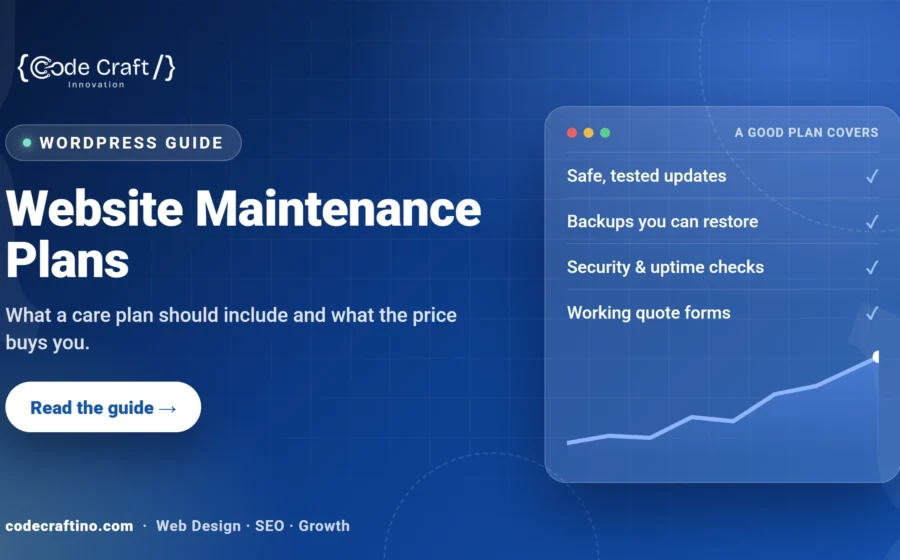
- Maintenance: WordPress, WooCommerce and extension updates, backups, security monitoring and checkout testing after updates. Our guide to website maintenance plans explains what’s worth paying for.
The build itself is the biggest variable: the number of products, custom features and integrations drive the price. For realistic budgets, see how much a website costs in New Jersey.
What hosting does a WooCommerce store need?
WooCommerce publishes its recommended server setup: WordPress 6.9 or later, PHP 8.3 or later, MySQL 8.0 or later (or MariaDB 10.6 or later), a WordPress memory limit of at least 256 MB, and HTTPS (WooCommerce server requirements).
Cheap shared hosting often runs older PHP versions or limits memory, which shows up as a slow checkout or failed orders on busy days. Before launch, check the PHP version, that daily backups include the database, and that caching excludes the cart, checkout and account pages.
How do you set up New Jersey sales tax in WooCommerce?
New Jersey’s sales tax rate has been 6.625% since January 1, 2018 (NJ Division of Taxation). WooCommerce can apply that rate automatically to orders shipped to New Jersey, but the setup still needs care:
- Mark each product as taxable or non-taxable. New Jersey exempts some goods, including many clothing and footwear items, so check your products with your accountant.
- Decide whether prices are shown with or without tax, and make the checkout total clear.
- If you sell into other states, ask your accountant where you need to collect tax, then use a tax service or extension rather than typing rates by hand.
- Test orders to a New Jersey address and to another state before launch.
We set up the store, but tax decisions belong to your accountant. Ask them to confirm the settings before you go live.
WooCommerce or Shopify for a New Jersey store?
Choose WooCommerce if you want full control of your site and data, already use WordPress, or rely on articles and guides to bring search traffic. Choose Shopify if you want the platform to handle hosting, security and updates for a monthly fee, and your store follows a standard pattern. Our guide to ecommerce website design for small businesses covers the features that turn visitors into orders on either platform.
What slows WooCommerce stores down?
- Large, uncompressed product images and image sliders on every page.
- Too many plugins doing similar jobs, each loading its own scripts.
- Hosting with too little memory or an old PHP version.
- Cart fragments and live chat scripts loading on pages that don’t need them.
- Thousands of old orders, sessions and logs never cleaned from the database.
Google’s Core Web Vitals give clear targets: main content within 2.5 seconds, responses to taps within 200 milliseconds, and a layout shift score of 0.1 or less (web.dev).
What should you ask a WooCommerce developer?
- Which payment gateway and shipping setup do you recommend for my products, and why?
- Which paid extensions will I need, and what do they cost each year?
- Will you set up Google Analytics ecommerce tracking and Google Merchant Center?
- How do you test checkout after updates?
- Who owns the site, the hosting account and the extension licenses?
- What happens if a payment or shipping plugin breaks after an update?
For more questions, see our guide on how to choose a WordPress development company in New Jersey.
WooCommerce development for New Jersey businesses
Code Craft Innovations builds WooCommerce stores from our office in Fairfield, NJ, for businesses across the state, including Hoboken and Newark. We plan the catalog, design the store, set up payments, shipping and tracking, test every checkout path and train your team. Learn more about our WordPress development services or tell us about your store and you’ll get a fixed written quote within 24 hours.
Frequently asked questions
Is WooCommerce really free?
The plugin is free. You still pay for hosting, a domain, payment processing fees, and any paid extensions or themes you choose.
Can I add WooCommerce to my existing WordPress website?
Usually, yes. A developer should first check your theme, plugins and hosting, test the store on a staging copy, and only then add it to the live site.
How long does it take to build a WooCommerce store?
It depends on the number of products, custom features and how quickly product content is ready. Product photos and descriptions are often the slowest part. Our guide on how long it takes to build a business website explains each stage.
Can WooCommerce handle a large catalog?
Yes, with the right hosting, a clean database and careful choice of extensions. Stores with thousands of products need search, filtering and image handling planned from the start.
Can I move from Shopify or Wix to WooCommerce?
Yes. Products, customers and orders can usually be exported and imported. Plan redirects from your old product URLs so you keep your search rankings.




Share your thoughts