
A chatbot answers questions; an AI agent gets a job done. A chatbot replies to what a customer types, usually from a fixed script or a set of approved answers. An AI agent can also check your records, decide what applies within rules you set, and take the next step in your tools, such as booking the appointment, updating the CRM or drafting the quote, then hand anything unusual to a person. For most small businesses the right choice depends on one question: do you need conversations answered, or do you need work finished? This guide explains the difference, what each one costs you in setup, and how to choose.
What is the difference between an AI agent and a chatbot?
IBM defines an AI agent as “a system that autonomously performs tasks by designing workflows with available tools” (IBM). It contrasts agents with non-agentic chatbots, which have no access to outside tools, can’t plan ahead and wait for the user’s next prompt before they respond.
In plain terms:
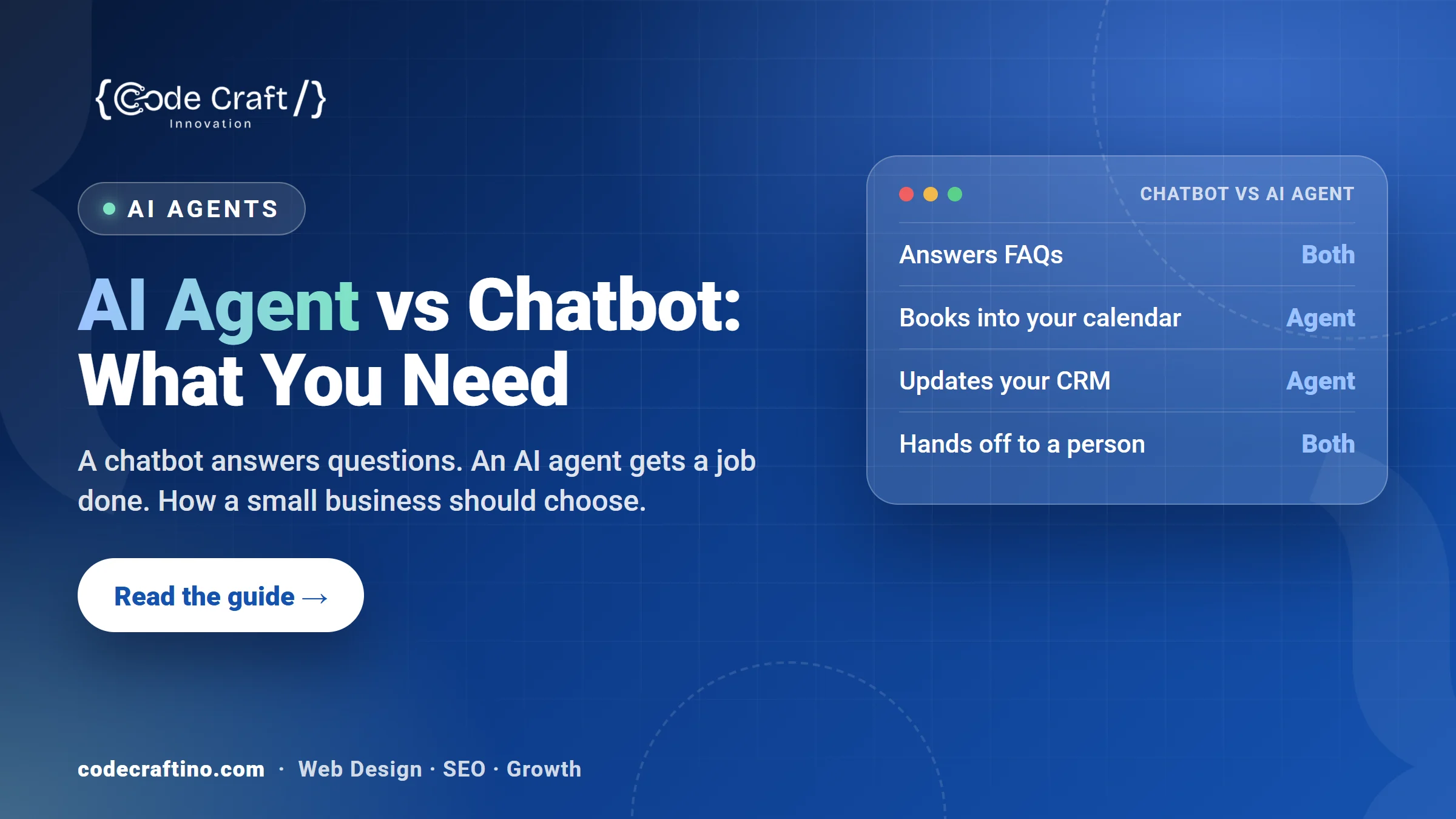
| Chatbot | AI agent | |
|---|---|---|
| Main job | Answers questions | Completes a defined task |
| Works from | A script or approved answers | Your approved information plus your live records and tools |
| Can take action | Rarely, beyond collecting details | Yes, within rules you set: book, update, draft, route |
| Handles several steps | One reply at a time | Plans the steps needed to finish the job |
| Best for | FAQs, opening hours, simple lead capture | Intake, booking, follow up and back office tasks |
What can a chatbot do well?
A well built chatbot is a good front desk for simple questions. It can answer opening hours, services, prices you’re happy to publish and directions, and it can collect a name, phone number and short message when nobody is available. It works best when the questions are predictable and the answers rarely change.
Its limits show when a customer needs something done. A chatbot can tell someone you offer appointments, but on its own it usually can’t check your calendar, see that a client already has a booking, or update a record afterwards.
What can an AI agent do that a chatbot can’t?
An agent is set up to own one job from start to finish. Typical small business examples:
- Intake: asks the right questions for the type of enquiry, checks the answers against your criteria and sends a complete summary to the right person.
- Booking: finds a free slot in your live calendar, books it, sends the confirmation and adds the details to your CRM.
- Follow up: notices that a quote hasn’t been answered in three days and sends a polite reminder in your words.
- Back office: reads incoming emails or forms, files them, and drafts replies for a person to approve.
Analysts expect this kind of AI to take over a large share of routine service work. Gartner predicts that agentic AI will autonomously resolve 80% of common customer service issues without human intervention by 2029 (Gartner). That’s a forecast for large companies, not a promise, but it shows where customer service software is heading.
Which one does a small business actually need?
Start with the problem, not the technology:
- Choose a chatbot if most enquiries are the same handful of questions and your team can easily handle the rest.
- Choose an AI agent if enquiries need several steps before they turn into work: checking details, booking, quoting or updating systems, and those steps wait for someone to have time.
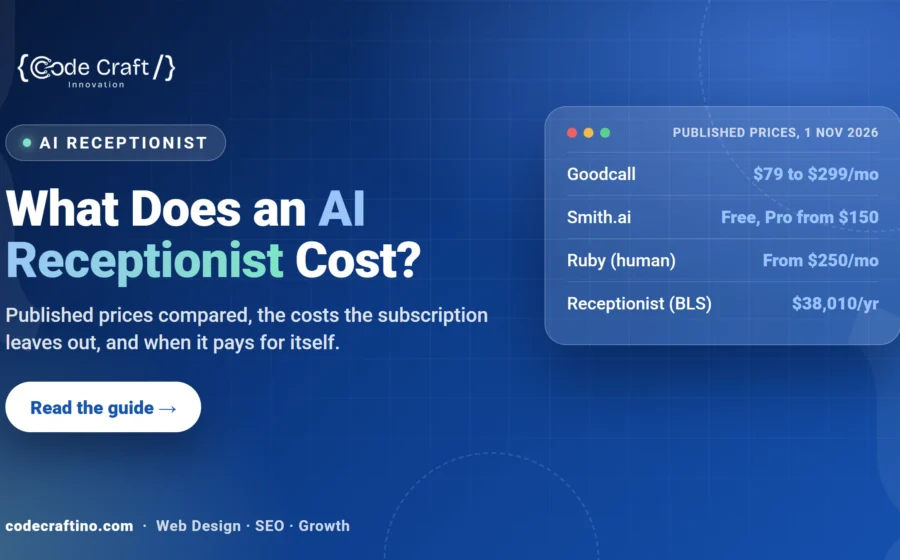
- Choose an AI receptionist if the real problem is missed phone calls. It’s a voice agent focused on answering, booking and passing urgent callers to a person. Our guide to what an AI receptionist costs covers the numbers.
Many businesses start with one narrow job, such as intake or booking, prove it works, then add the next.
What does each one need to work well?
Both depend on good information. Before either goes live you need an approved set of answers: services, service area, hours, what you will and won’t quote, and how urgent cases are handled. An agent also needs access to the tools it acts in, such as your calendar, CRM or job software, with permissions limited to what the job requires.
Three rules keep either one safe:
- Approve what it can say and do. Anything outside the approved set becomes a message for a person, not a guess.
- Be honest with customers. It should introduce itself as a virtual assistant, and anyone who asks for a person should reach one.
- Review early conversations. Read the first weeks of transcripts and fix the answers that confuse people.
How much setup does each one take?
A simple chatbot can be live quickly if your answers are ready. An agent takes longer because it connects to your systems and needs rules for each decision it makes. In both cases, writing and approving the information is usually the slowest step, not the software. If you want the agent to handle work across several tools, our page on AI automation explains how those workflows are built.
What should you ask before you buy either one?
- Which tools does it connect to, and can it act in them or only read them?
- Who approves what it says, and how do I change an answer later?
- What happens when it doesn’t know the answer?
- How does a customer reach a person, and how fast?
- Where are conversations stored, and who can see them?
- How will I see what it handled each week?
AI agents for New Jersey small businesses
Code Craft Innovations builds AI agents and chatbots for small businesses from our office in Fairfield, NJ, for clients across the state, including Fairfield and Montclair. Each agent owns one defined job, works from information you approve, acts only within the rules you set and passes anything else to your team. See how our custom AI agents work, or book a free AI consultation to map the first job worth handing over.
Want to know the costs first? See what AI automation costs a small business.
Frequently asked questions
Is ChatGPT a chatbot or an AI agent?
On its own, a general assistant like ChatGPT answers what you ask. It behaves more like an agent when it’s connected to tools and given a task to complete, such as searching, booking or updating a file.
Can a chatbot be upgraded to an AI agent?
Often, yes. The approved answers you wrote for a chatbot are the starting point; the agent adds access to your tools and rules for the actions it may take.
Will an AI agent replace my staff?
For a small business it usually takes the repetitive steps off your team, such as first questions, booking and follow up, so people spend their time on the work that needs judgement.
Is an AI agent safe to use with customer data?
It can be, with limited permissions, a clear record of what it does, and a person reviewing anything outside its rules. Ask where data is stored and who can access it before you start.
Which should I start with?
Pick the single task that costs you the most enquiries today, such as missed calls, slow replies or unbooked leads, and start there.


Share your thoughts