
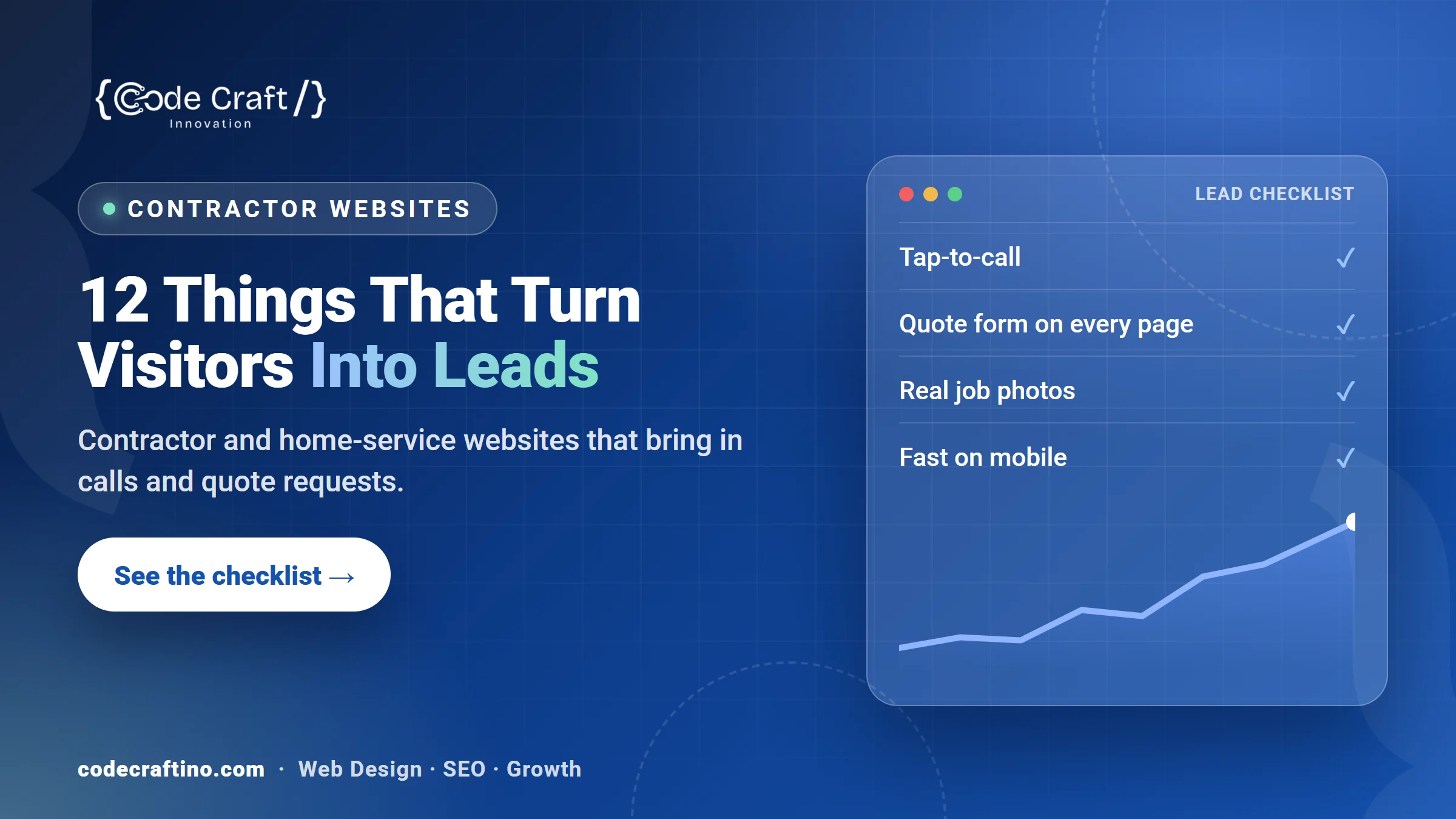
A contractor’s website has one job: turn a homeowner or property manager who is searching right now into a phone call or a quote request. Most contractor sites look fine but leak leads, because the phone number is hard to tap, the services are vague, there is no proof of past work, or the page takes too long to load on a phone. This guide covers the twelve things that make a contractor or home-service website bring in enquiries, in the order we check them on every build.
What makes a contractor website generate leads?
A lead-generating contractor website answers three questions within a few seconds: Do you do the job I need? Do you work in my area? Can I trust you? Then it makes contacting you effortless. Design matters, but clarity, speed, proof and a visible way to call or request a quote matter more. Everything below supports those three questions.
1. Is your phone number one tap away on every page?
Most home-service searches happen on a phone, often when something is broken. Put a tap-to-call number in the header, repeat it in the footer, and add a sticky call button on mobile. Track taps as a conversion in Google Analytics so you know which pages produce calls.
2. Can someone request a quote without leaving the page they are on?
Do not send visitors hunting for a contact page. Add a short quote form (name, email or phone, service, a few words about the job) to the bottom of every service page. Five fields or fewer, with the service already selected, converts far better than a long form on a separate page.
3. Does each service have its own page?
“Roofing” is not one service to a buyer. Roof repair, full replacement, storm damage and gutters are different searches with different urgency. Give each core service its own page with what you do, how the job works, typical timelines, and the questions customers ask before they hire you. These pages are what rank for “service + town” searches.
4. Does the site say exactly where you work?
List the towns and counties you serve, and create a page for your main service areas with genuinely local detail, not copies with the town name swapped. Match your address and phone number exactly to your Google Business Profile, because consistent name, address and phone details help you appear in the Map Pack. Our guide to ranking in the New Jersey Map Pack explains the rest.
5. Do you show real photos of real jobs?
Stock photos of smiling workers do nothing for trust. Show before-and-after photos, finished projects and your own team and vehicles. A short project gallery per service is one of the strongest trust signals a contractor site can have. See how we presented work for trades clients such as Graypaw Finishing, BRK Drywall and Hardscape Marketing Crew.
6. Are your reviews visible where people decide?
Reviews are part of the buying decision for most people hiring a local business. BrightLocal’s 2024 survey found that 75% of consumers “always” or “regularly” read online reviews for local businesses, and 88% would use a business that replies to all of its reviews (BrightLocal Local Consumer Review Survey 2024). Show recent Google reviews on your service pages, link to your profile, and reply to every review, good or bad.
7. Does the site load fast on a phone?
Speed is a lead issue, not just a technical one. Google’s research found that 53% of mobile site visits are abandoned if a page takes longer than three seconds to load (Think with Google). Compress images, avoid heavy sliders and video backgrounds, and test your key pages with Google PageSpeed Insights.
8. Do you explain how pricing works?
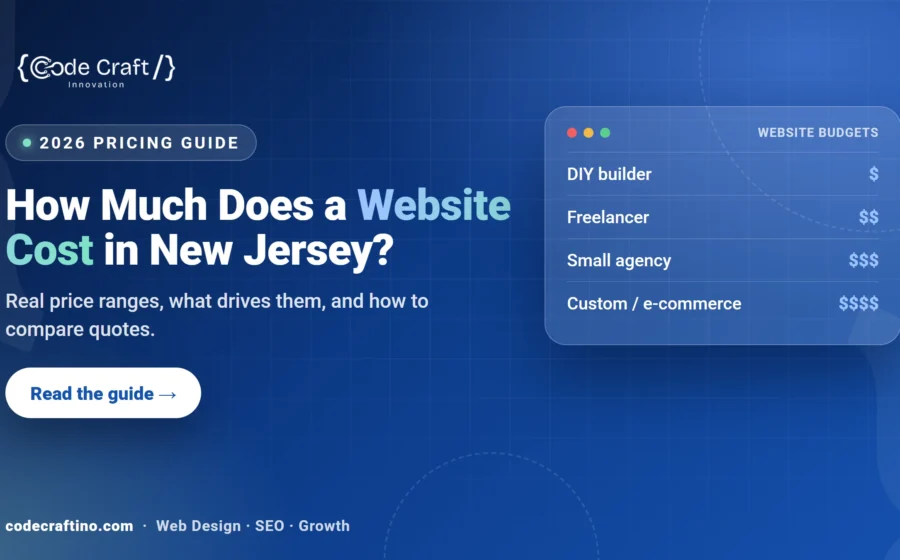
You do not have to publish a price list, but you should explain what affects the price, whether estimates are free, and what happens after someone gets in touch. Clear expectations filter out poor-fit enquiries and give serious buyers the confidence to call. If you are budgeting for the website itself, see how much a website costs in New Jersey.
9. Are licences, insurance and guarantees easy to find?
Buyers of trades work worry about getting it done properly and safely. If you are licensed and insured, say so near the top of your service pages and in the footer, along with any workmanship guarantee you offer. Only list credentials you actually hold.
10. Does every page have one clear next step?
Each page should end with one obvious action: call, request a quote or book an estimate. Use the same wording everywhere so visitors know what will happen when they click.
11. Is the site built to be found on Google and in AI answers?
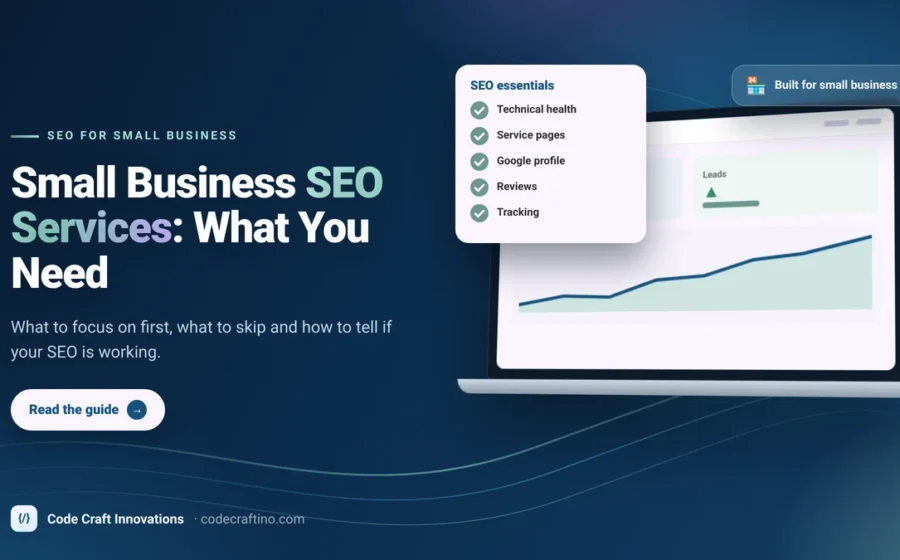
Search engines and AI assistants pick up pages that answer real questions directly. Write each service page so the first paragraph answers the main question, use the questions customers ask as headings, add a short FAQ, and make sure every page has a unique title and description. A clean WordPress build with local business schema gives you a strong base; our WordPress web design service covers this as standard.
12. Can you see which pages bring leads?
Set up Google Analytics and Search Console from day one and count calls, form submissions and WhatsApp clicks as key events. Without this you cannot tell which services, towns or pages bring in work, and you end up guessing where to spend.
How long does it take to build a contractor website?
Most contractor and home-service websites take four to eight weeks from kickoff to launch, depending on the number of service pages and how quickly photos and details come together. Our guide to website timelines breaks down each stage.
Frequently asked questions
What pages does a contractor website need?
At minimum: a home page, one page per core service, a service-area page, a project gallery or case studies, an about page with your team and credentials, reviews, and a contact page. Each service page should also carry its own quote form and call button.
Is WordPress good for contractor websites?
Yes. WordPress handles many service and area pages well, is easy to update, and gives you full control over speed and SEO. Wix Studio is a good choice for smaller sites that the owner wants to edit visually.
How do I get more leads from my existing contractor website?
Start with the quick wins: tap-to-call in the header, a short quote form on every service page, real project photos, visible reviews and faster mobile load times. Then add service-area pages and keep your Google Business Profile active with photos and updates.
Should I put prices on my contractor website?
You do not need exact prices, but explaining what affects the price and how estimates work builds trust and filters out poor-fit enquiries.
Want a contractor website that brings in calls and quote requests? Tell us about your business and we will send a fixed written quote after a free consultation.





Share your thoughts