
Shopify handles a lot of technical SEO for you: it creates your sitemap, sets a sensible robots.txt and lets you edit titles and descriptions without code. What it can’t do is decide what each page should rank for, write useful product and collection content, or keep your old URLs working when you change things. This checklist covers what Shopify store owners should fix first, in the order that usually brings the most search traffic and sales, and the settings you should leave alone.
Is Shopify good for SEO?
Yes, for most small and mid-sized stores. Shopify takes care of the basics that often go wrong on self-built sites:
- Sitemap: “All Shopify stores automatically generate a sitemap.xml file,” which links to your products, primary product images, pages, collections and blog posts, and updates automatically when you add them (Shopify Help Center).
- Robots.txt: every store has a default robots.txt that Shopify describes as optimal for SEO (Shopify Help Center).
- Hosting and security: fast hosting, SSL and checkout security are included.
Where Shopify stores fall behind is content and structure: thin product descriptions copied from suppliers, collection pages with no text, missing titles, and broken links after products or pages are renamed. If you’re still choosing a platform, our WordPress vs Shopify comparison explains the trade-offs.
What should you fix first on a Shopify store?
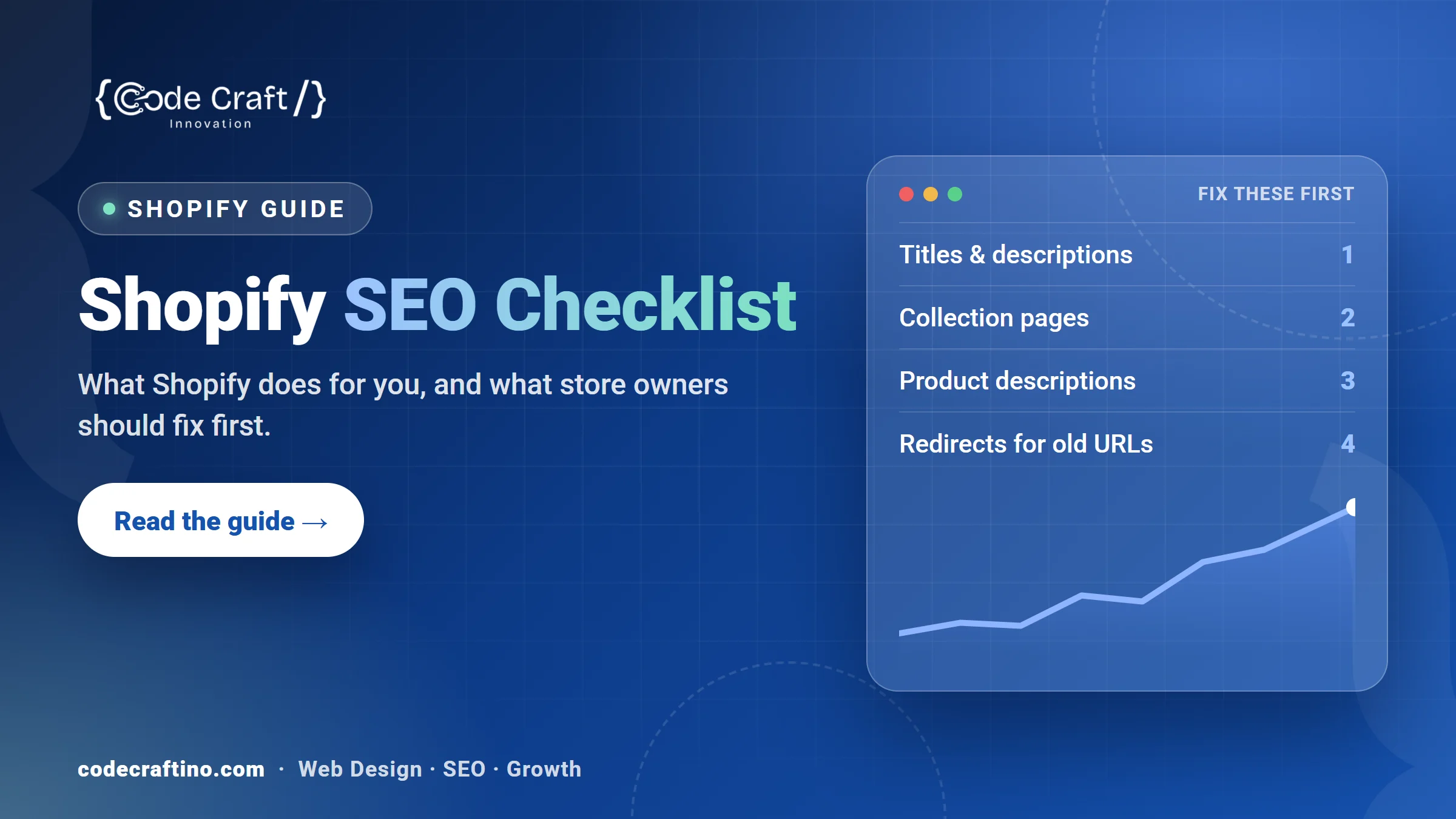
- Titles and meta descriptions on your homepage, main collections and best-selling products.
- Collection pages that target the categories people search for, with a short, useful introduction.
- Product descriptions written for your customers, not copied from the manufacturer.
- Redirects for any product, collection or page whose URL has changed or been removed.
- Image alt text and file sizes on product images.
- Product structured data so Google can show price and availability.
- Speed: remove apps you no longer use.
- Search Console connected, with your sitemap submitted.
The rest of this guide explains each one.
How should you write Shopify titles and meta descriptions?
Every product, collection, page and blog post has a search engine listing you can edit. Shopify lets you enter up to 70 characters in the title but recommends keeping it to 60 to avoid it being cut off in search results, and recommends 160 characters for the meta description (Shopify Help Center).
Put the phrase people search for near the start of the title, then your brand. For a collection, that’s the category name customers use (“Handmade Leather Wallets”), not an internal label (“New Arrivals Fall”). Write each description as a reason to click: what’s in the range, a key benefit, and shipping or pickup if it helps.
Why do collection pages matter so much?
Collection pages usually match the searches with the most buying intent, such as “women’s running shoes” or “organic dog treats.” Many stores leave them as a grid of products with no text, which gives Google little to understand. Add a short introduction (two or three sentences) above the grid, a few lines of buying advice or FAQs below it, and link related collections to each other.
Create collections for the ways customers actually shop: by product type, by use, and by occasion, not only by season or by supplier.
How should you handle product descriptions?
Write your own. Manufacturer descriptions appear on every store that sells the same product, so they don’t help you stand out. Explain who the product is for, what it’s made of, sizes and care, what’s in the box, and answer the questions customers ask your staff. Short paragraphs and bullet points work well on mobile.
For a store with hundreds of products, start with your best sellers and the products that already get impressions in Google Search Console.
What happens to SEO when you change a product URL?
The old URL stops working, and any rankings or links pointing to it are lost unless you redirect it. Shopify lets you create a URL redirect so customers can still find what they were looking for when you change a URL (Shopify Help Center). Set one up whenever you rename a product, merge collections, or remove a page that had traffic, and point it to the closest matching page rather than the homepage.
This matters most when moving to Shopify from another platform: every old URL should be mapped to its new one before launch. Our Shopify development service includes that redirect map for every migration.
Do product images affect Shopify SEO?
Yes. Add descriptive alt text to every product image (what the product is, color and key detail), which helps shoppers using screen readers and Google Images. Keep image files reasonably small; large images are a common cause of slow product pages on mobile. Name files clearly before uploading, such as “brown-leather-wallet-front.jpg” instead of “IMG_4032.jpg”.
What is product structured data, and does Shopify add it?
Structured data is code that tells Google the product’s name, price, availability and reviews. Google describes two uses: product snippets, which show extra details such as ratings, price and availability in a text result, and merchant listings, for pages where customers can buy the product directly (Google Search Central).
Many Shopify themes include product structured data, but some leave out fields or break it after customization. Test a product page with Google’s Rich Results Test after any theme change, and check the Shopping and product sections in Search Console.
Which Shopify SEO settings should you leave alone?
Robots.txt. Shopify lets you customize it with a robots.txt.liquid template, but calls it an unsupported customization and warns that “Incorrect use of the feature can result in loss of all traffic” (Shopify Help Center). Leave it at the default unless an SEO specialist has a specific reason to change it.
Be careful with SEO apps too. Several apps doing the same job can add duplicate tags and slow the store down. Use one, and remove any you’ve stopped using.
How do you know Shopify SEO is working?
Connect Google Search Console and submit your sitemap. Then watch indexed pages, impressions and clicks for your main collections and products, and match them against orders in Shopify analytics. SEO takes months rather than weeks; our guide on how long SEO takes explains what to expect, and how much SEO costs covers budgets.
Shopify SEO and development in New Jersey
Code Craft Innovations builds and improves Shopify stores for businesses across New Jersey, including Montclair and Princeton. Our guide to ecommerce website design covers the features that turn visitors into orders. Tell us about your store and you’ll get a fixed written quote within 24 hours.
Frequently asked questions
Does Shopify do SEO automatically?
Partly. Shopify creates your sitemap and a default robots.txt and gives you fields for titles and descriptions. Choosing what each page targets, writing the content and keeping redirects in place are still up to you.
How long should Shopify product titles be for SEO?
Shopify allows up to 70 characters in the search engine title and recommends keeping it to 60 so it isn’t cut off in search results.
Should I edit my Shopify robots.txt?
Usually not. The default works for most stores, and Shopify warns that incorrect edits can cost you all your traffic.
Will moving to Shopify hurt my Google rankings?
It doesn’t have to. Map every old URL to its new page with redirects, keep your best content, and check Search Console for errors in the weeks after launch.
Do I need a blog on my Shopify store?
It helps if you publish useful guides your customers search for, such as sizing, care or how to choose. Link each guide to the matching collection.





Share your thoughts